14
GB
Changing the display
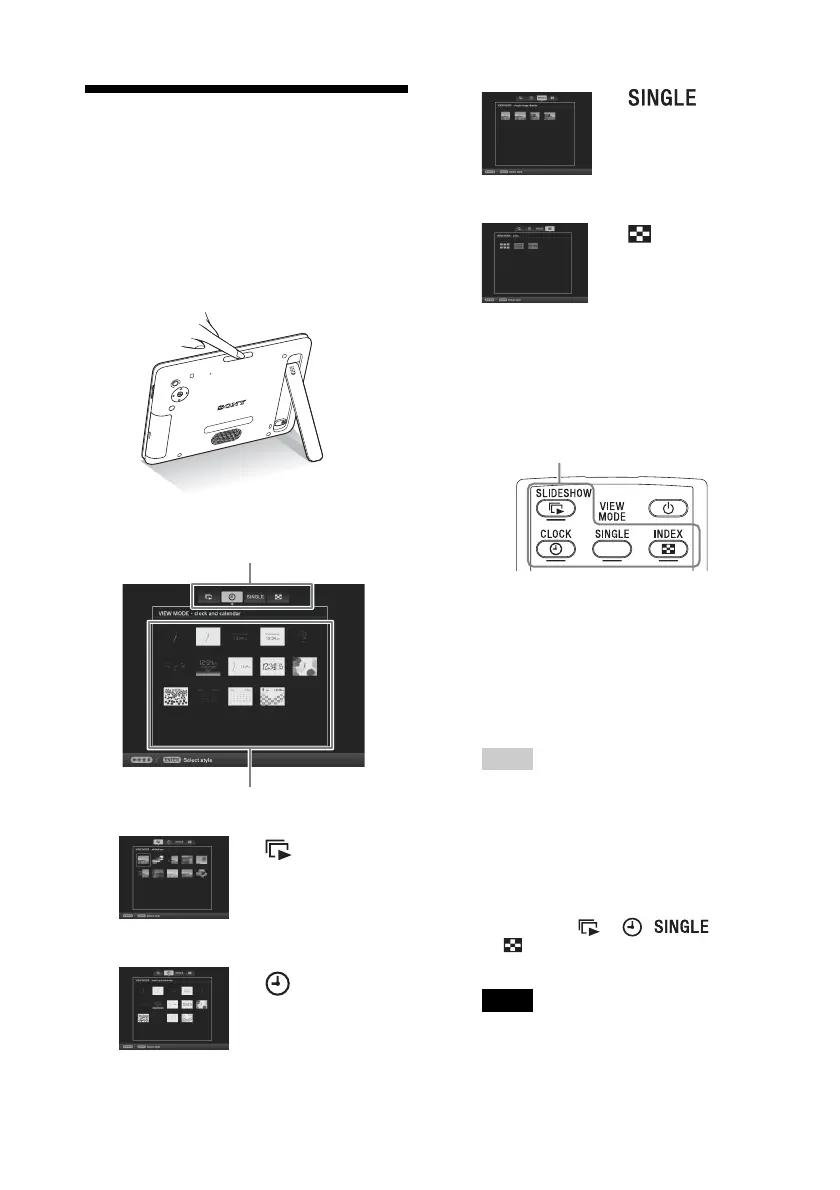
You can change the view style by pressing the
VIEW MODE buttons.
1 Press VIEW MODE repeatedly to
select the view mode you want to
display.
The view mode screen is displayed.
.
Using the remote control
Press the VIEW MODE button
corresponding to the view mode you want
to display.
The selected view mode screen is
displayed.
2 Select a style with B/b/v/V and
press ENTER.
The display changes to the selected view
style.
Tips
• When the cursor is in the display selection
area, move it to the style selection area by
pressing v.
• You can move the cursor in the style
selection area by pressing the VIEW
MODE button on the remote control
corresponding to the currently selected
view mode ( , , or
), or pressing VIEW MODE on the
photo frame repeatedly.
Note
If you have not operated the photo frame for an
extended period of time, the style the cursor is
on will be selected automatically.
Slideshow
(page 15)
Clock and
Calendar
(page 16)
Display selection area
Style selection area
Single image
display
(page 17)
Index
(page 18)
VIEW MODE buttons



 To Next Page