31
GB
Advanced operations
6 Press v/V to select [Yes] and press
ENTER.
The image is deleted.
7 Press ENTER when the
confirmation screen is displayed.
Notes
• Avoid doing the following while an image is being
deleted. Doing so may damage the photo frame,
memory card,
USB external device, or data:
– Turning off the power
– Removing an memory card
– Removing an USB external device
– Inserting another memory card
• When the message [Cannot delete a protected file.]
appears on the screen, the image file was set to
“Read Only” on a computer. In this case, connect
the photo frame to a computer, and delete this file
using the computer.
• The total capacity of the internal memory is not
equal to the remaining capacity even immediately
after initialization.
• Once deletion has started, the deleted image cannot
be recovered even if you stop deletion. Delete
images only after confirming you actually want to
delete them.
Tip
You can change the thumbnail size in the image list
using [
/ ] on the remote control.
Registering a mark
You can produce a slideshow only with images
which have been selected beforehand and have
been marked. You can easily check for images
with marks using the index image display or
single view mode.
1 Press MENU when an image is
displayed on the screen.
Using the remote control
Press (MARKING) when an image is
displayed on the screen. The Marking
screen described in step 2 below is
displayed. Go to step 3.
2 Press B/b to select the (Editing)
tab, select [Marking] with v/V, and
press ENTER.
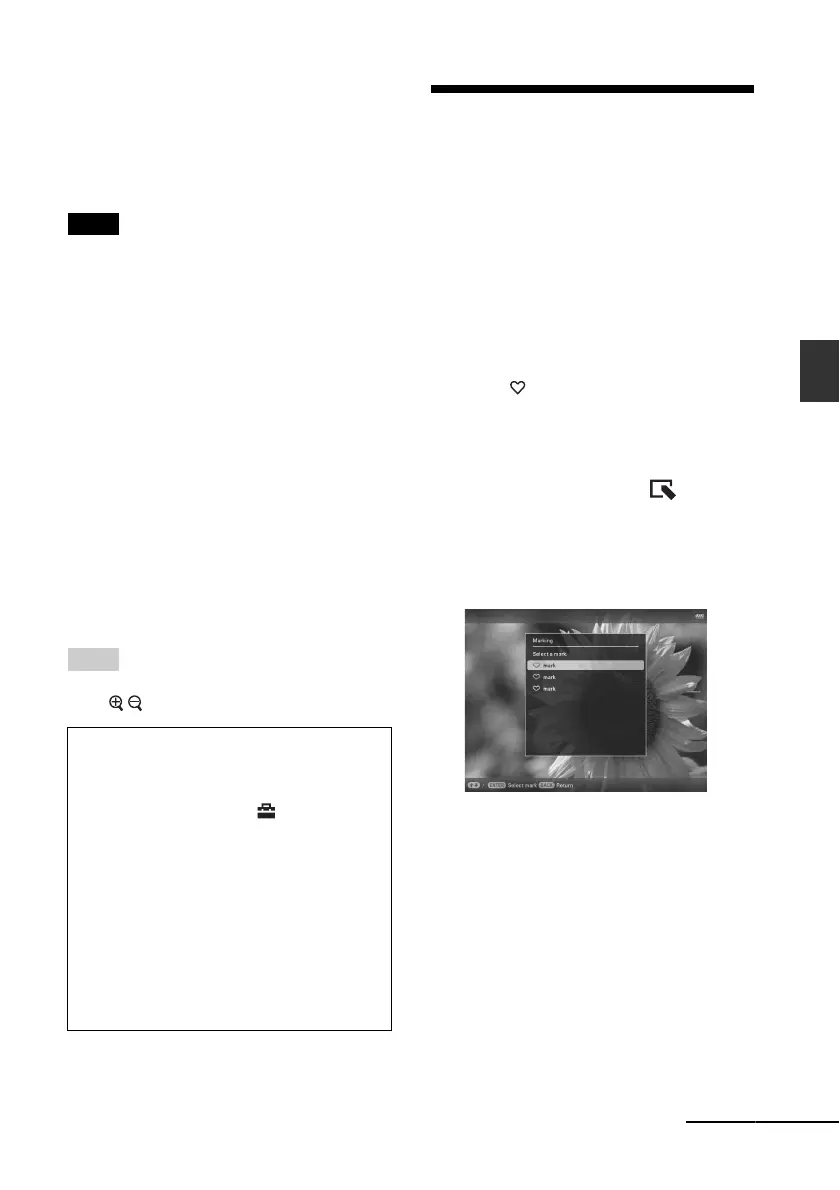
3 Press v/V to select the mark you
want and press ENTER.
4 Press v/V to select [Mark this
image], [Mark/Unmark multiple
images] or [Mark all images] and
press ENTER.
If you select [Mark this image], the image
currently displayed will be marked and
showed in the future. (This item cannot be
selected on the slideshow display.)
If you select [Mark/Unmark multiple
images], you can select the image to
which you want to attach a mark from the
image list. Go to step 4.
To format the internal memory
1 Press MENU.
2 Press B/b to select the (Settings) tab.
3 Press v/V to select [Initialize] and press
ENTER.
4 Press v/V to select [Format internal
memory] and press ENTER.
The confirmation screen for initializing
the internal memory is displayed.
5 Press v/V to select [Yes] and press
ENTER.
Continued



 To Next Page