18
GB
Index image display
Tips
• Thumbnails are small-sized images for index use that are recorded in a file of the pictures taken by a digital
camera.
• On the index image display, you can select an image by pressing B/b/v/V then ENTER. The display changes to
the Single view mode.
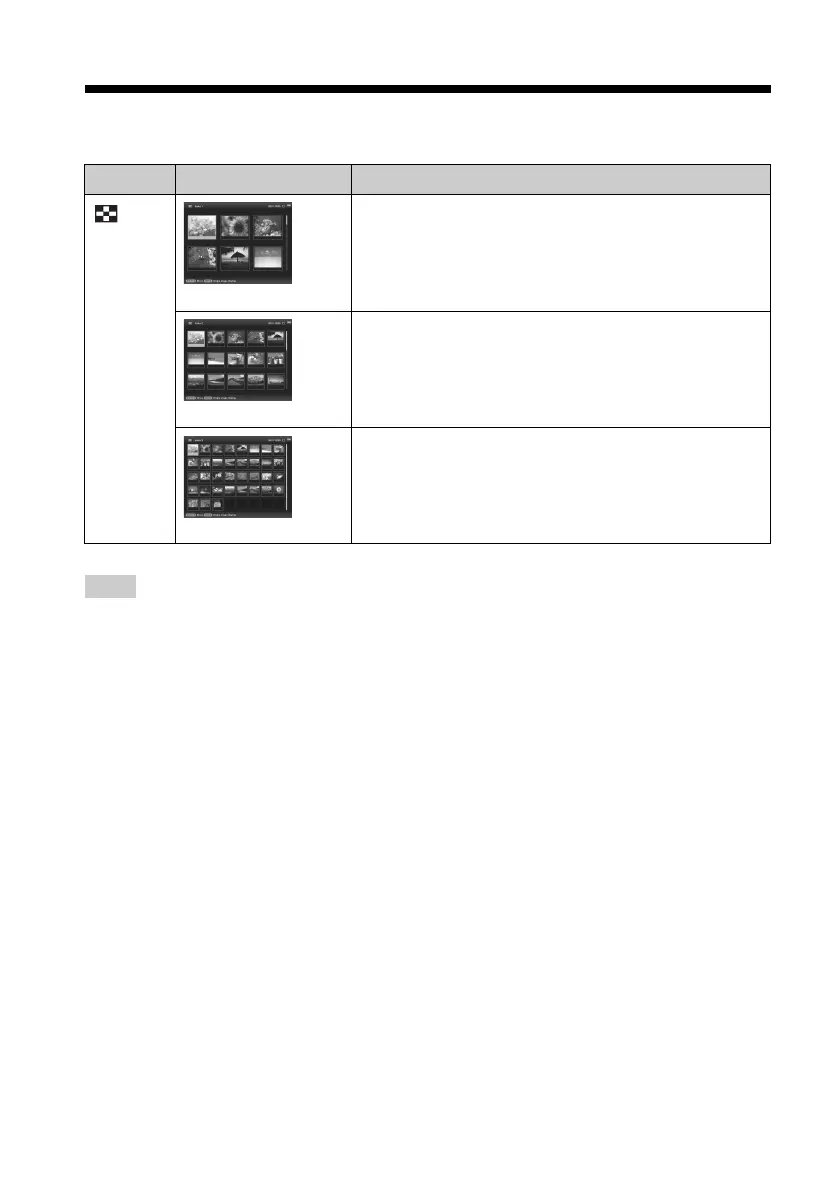
Display Style Description
Index
Index 1
Displays a list of large thumbnails. Move the cursor to
select an image by pressing B /b/v/V.
Index 2
Displays a list of thumbnails. Move the cursor to select an
image by pressing B/b/v/V.
Index 3
Displays a list of small thumbnails. Move the cursor to
select an image by pressing B /b/v/V.



 To Next Page