23
GB
Advanced operations
Slideshow
Settings
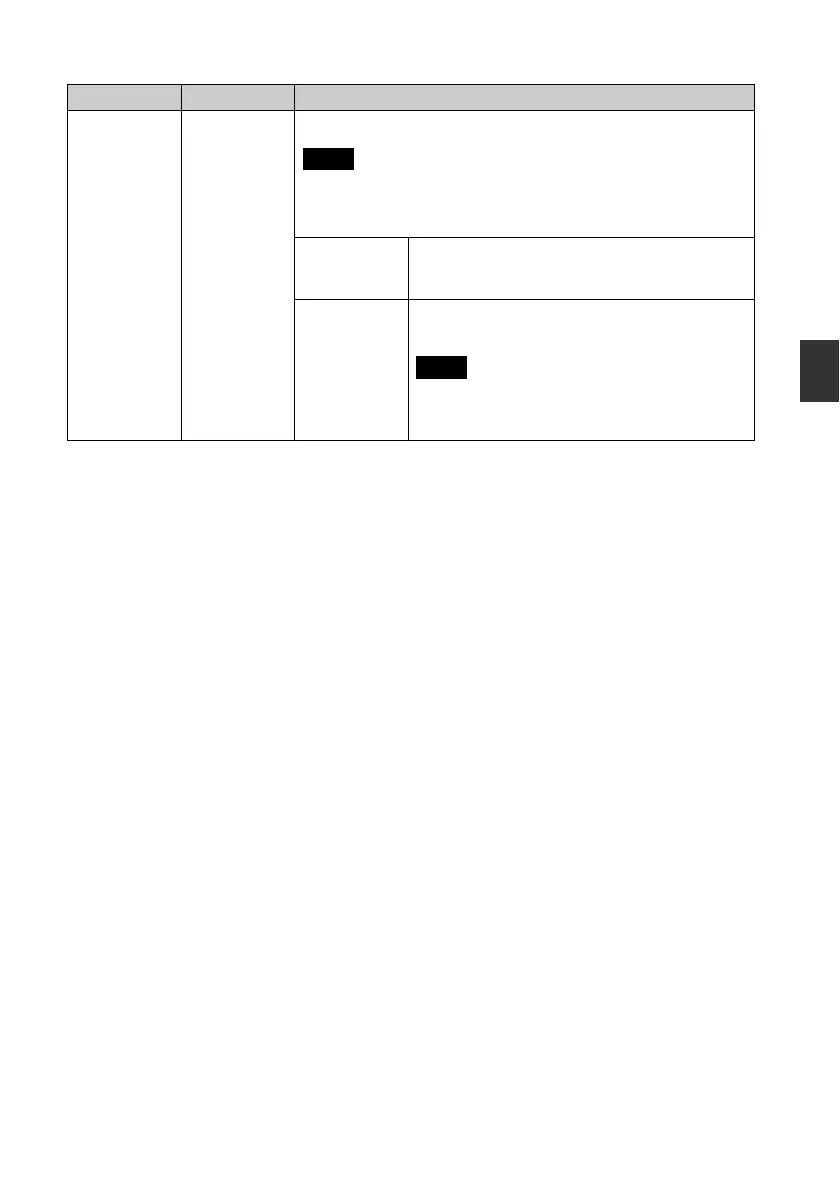
Display Mode Select the desired display size from the following:
Notes
• The original image data will not change.
• While the video file is played, the video image is always displayed in
Entire image mode.
Entire image* Displays an entire image enlarged to proper size. (An
image may be displayed with margins on the top,
bottom, left and right.)
Fit to screen Enlarges an image to fill the whole screen without
changing the aspect ratio.
Note
An image may not be displayed with the display size
you set on the menu, depending on the style of the
slideshow.
*: Factory default settings
Item Setting Description



 To Next Page