45
GB
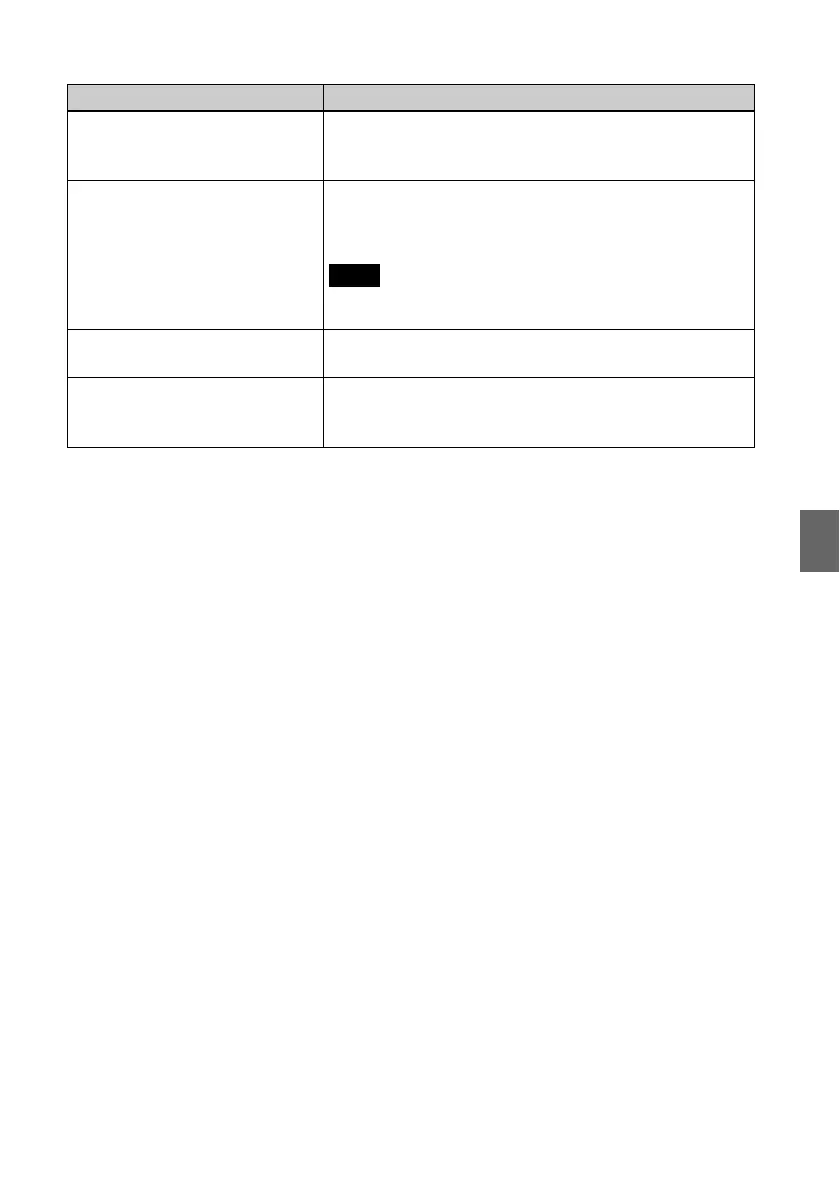
Error messages
The Memory Stick is protected. • A protected “Memory Stick” is inserted. To edit and save
the images with the photo frame, use some device to
remove protection.
Memory card format not supported. • For a memory card, use your digital camera or other device
to format the memory card.
• Use the photo frame to initialize the internal memory.
Note
When you initialize the memory card, all the files on the memory card
will be deleted.
Cannot open the image. • The photo frame cannot display or open an image file
whose format is not supported.
Incompatible USB device. Check
device’s USB settings.
• Connect a device with support for mass storage. If the USB
setting of your device is incorrect, set the mass storage
mode in the USB setting.
Error message Meaning/Solutions



 To Next Page