Copyingimagesto yourcomputer
This section describes the process using a
Windows computer as an example.
You can copy images from the camera to
your computer as follows.
For directly inserting the recording
medium in a computer
Remove the recoMing medium l"ronl tile
camera and insert it in the computer and
copy the images.
Forconnectingthe camerawith the
recordingmedium insertedto a
computerusingthe USBconnection
FollowStages l through 4 on pages 107to
I 11to copy images.
1 Insert a recording medium with
recorded images into the camera.
et
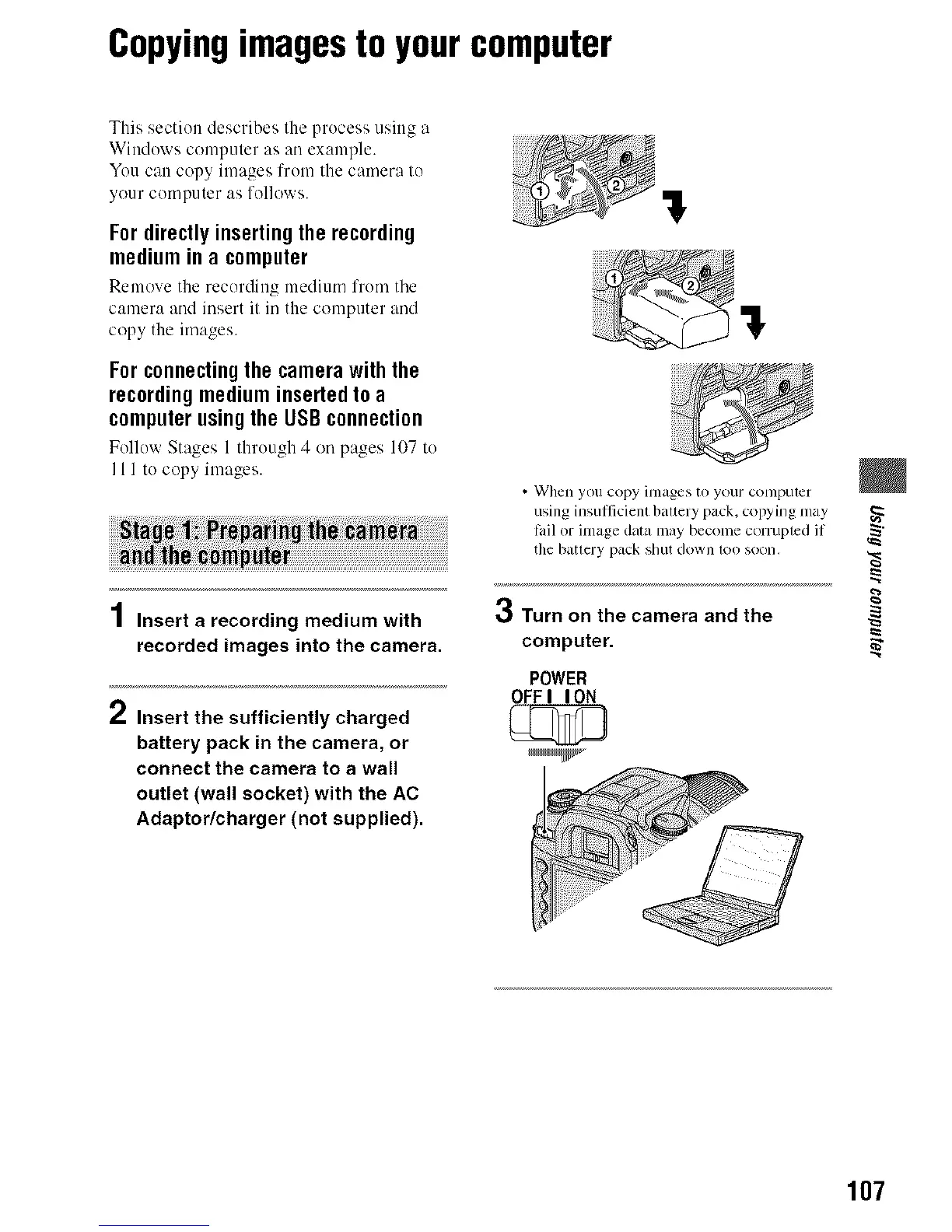
/ Insert the sufficiently charged
battery pack in the camera, or
connect the camera to a wall
outlet (wall socket) with the AC
Adaptor/charger (not supplied).
ql
!
• When you copy images to your computer
using insufficient balrery pack, copying may
tail or image data may become corrupted if
the batlery pack shut down 1£)oSOOll.
,qj
_,_ Turn on the camera and the
computer.
POWER
OFFI ION
107



 To Next Page
 Loading...












