Adjustingthefight intensity
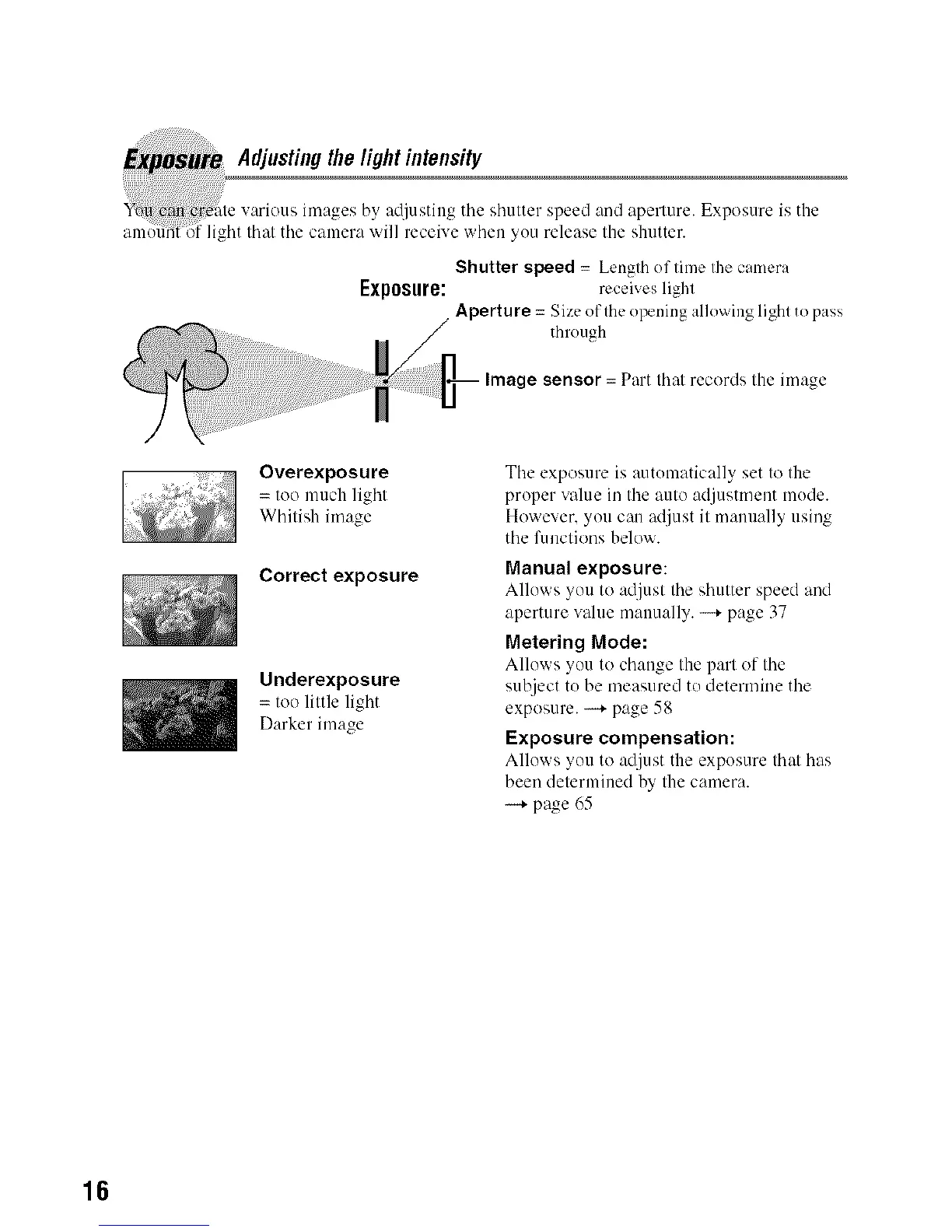
by at[iustiug tile shutter speed and aperture. Exposure is the
ght that the camera will receive when yuu release the shutter.
Shutter speed = Length of time the camera
Exposure: receives light
/ Aperture= Size oflhe opening allowing lighl to pass
through
Image sensor = Part that records the image
Overexposure
= too much light
Whitish image
Correct exposure
Underexposure
= too little light
Darker image
Tile exposure is autumatically set to the
proper value in tile auto adjustn/eut mude.
However. you can adjust it manually using
the functions below.
Manual exposure:
Alluws >ou to adj/lst tile shatter speed and
aperture w_lue manually. -.+ page 37
Metering Mode:
Allows >on to ch:mgetile part of the
subject tu be measured to determine tile
exposure. --* page 58
Exposure compensation:
Allows; >ou to adjust tile exposure that has
been determined by the camera.
--+ page 65
16



 To Next Page
 Loading...












