Example:The color of an imageaffectedby light sources
Daylight
White(standard)
Cloudy Fluorescent
Bluish Blue-tinged
Incandescent
Reddish
The color tones are a([justed automatically in the auto white balance mode.
However, you can at[just color tones manually with the white balance mode (page 46).
On "image quafity" and "image size"
is made up of a collection of small dots called pixels.
If it us a large number of pixels, the picture becomes large, it takes up more memory,
and the image is displayed in fine detail. "Image size" is shown by the number of pixels.
Although you cannot see the differences on the screen of the camera, the fine detail and data
processing time differ when the image is printed or displayed on a computer screen.
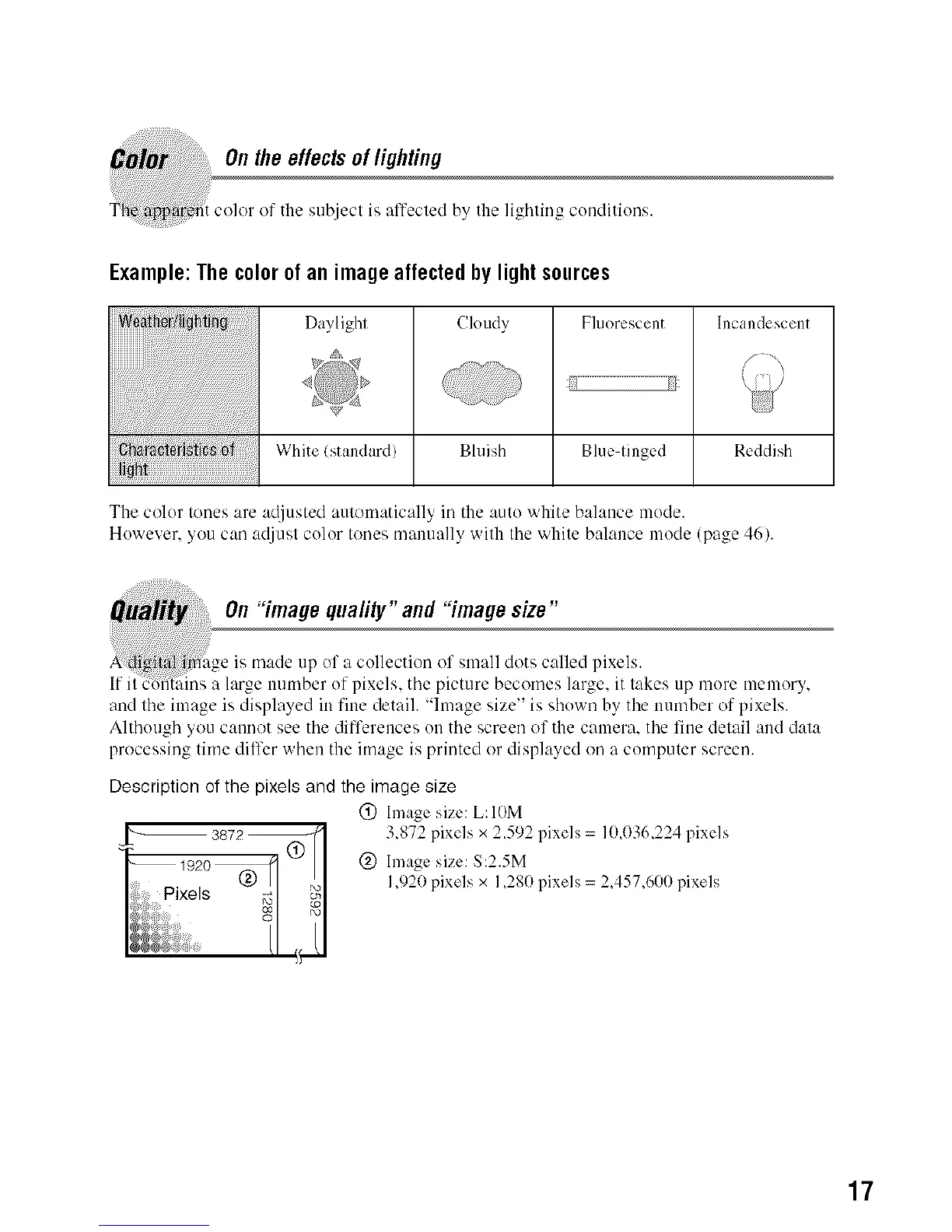
Description of the pixels and the image size
@ hnage size: L:IOM
3,872 pixels x 2,592 pixels = 10,036,224 pixels
@ hnage size: S:2.5M
1,920 pixels x 1,280 pixels = 2A57,600 pixels
17



 To Next Page
 Loading...












