Pri_#_g images
Howto printimages
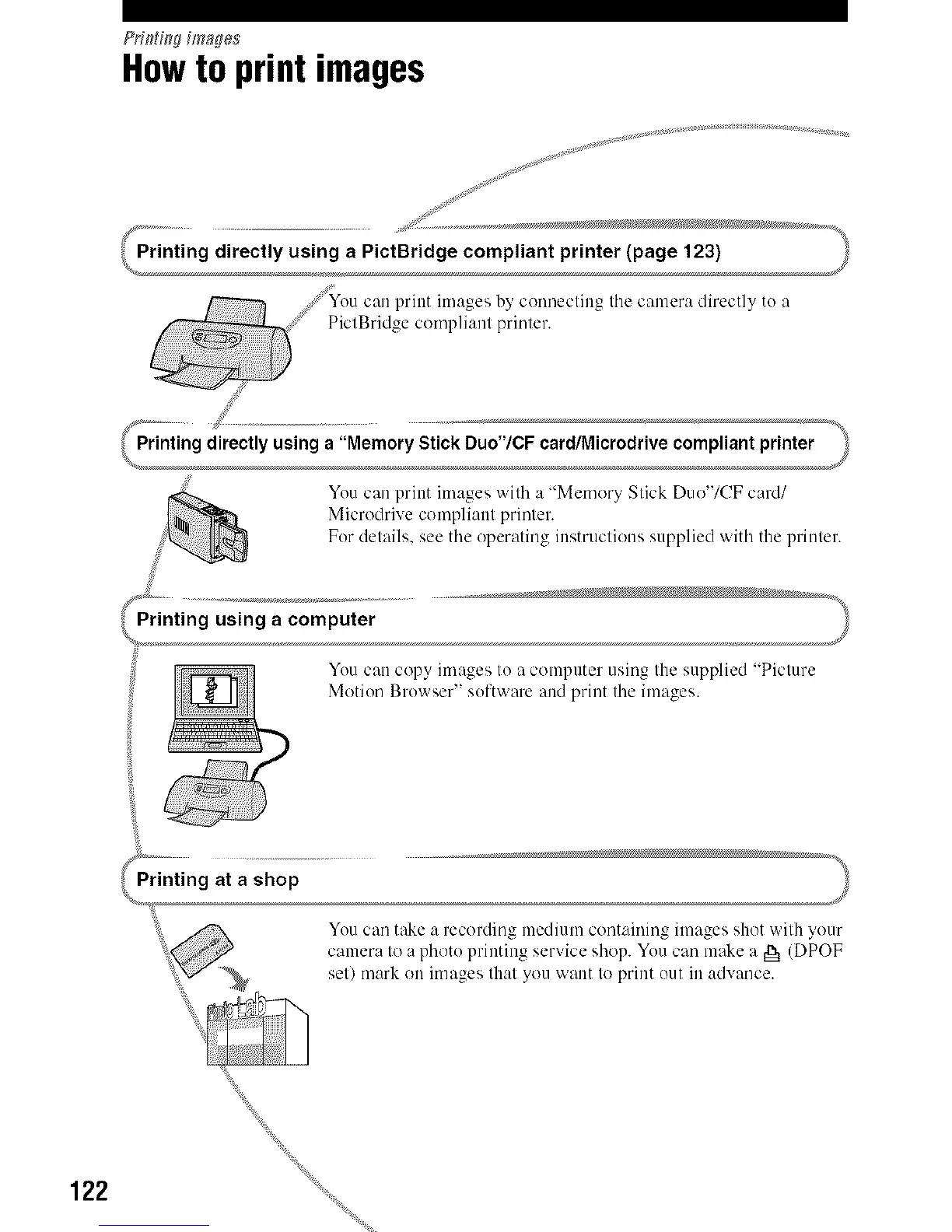
You can print images ',,vilh a "Memory Slick Duo'/CF card/
Microdrive complianl prinler.
For details, see tile operating instruclions supplied with the prinler.
You can copy images Io a computer using Ihe supplied "Piclure
Motion Browser" software and print tile images.
You can take a recording lnedium containing images shot wilh your
3 o "
camera Io a photo I tin ine sel',lce shop. You carl make a g_ (DPOF
sell mark on images Ihal you want Io print out in advance.
122



 To Next Page
 Loading...












