21
HCD-L1
Reset of No Disc Error History
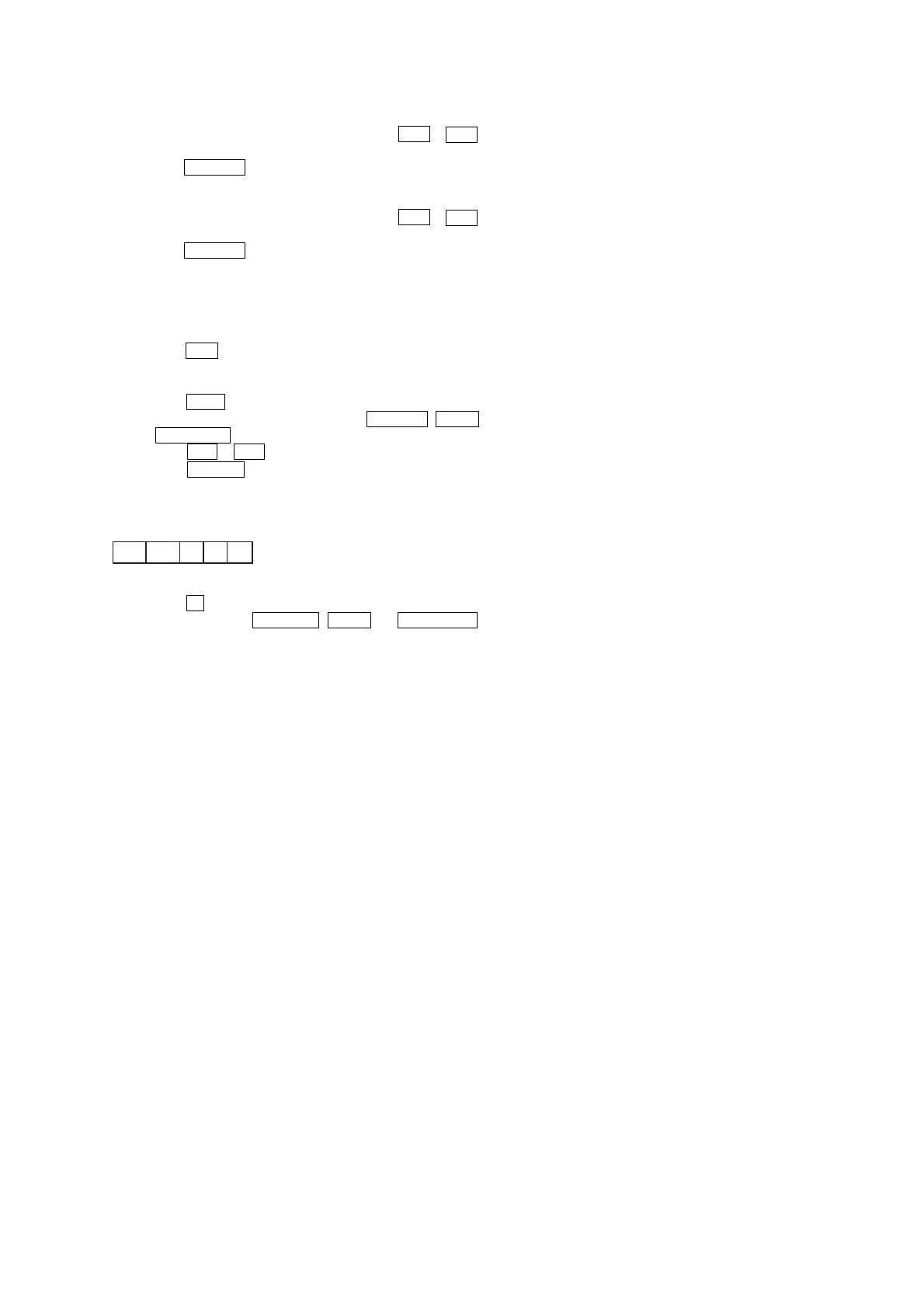
1. Select the operation in the menu by pressing the . or >
button to display “dvt ECONT0 BU”.
2. Press the CD PLAY button. No disc error history is reset.
Reset of Error History
1. Select the operation in the menu by pressing the . or >
button to display “dvt ECONT0 ALL”.
2. Press the CD PLAY button. Error history is reset.
[Servo Test Mode]
*Error Rate Display
Procedure:
Setting Method of Test Mode
1. Press the ?/1 button to turn the set ON.
2. Insert the disc.
3. Select the FUNCTION to CD.
4. Press the NX button to play the CD.
5. To enter the test mode, press three buttons DISPLAY , VOL+
and FUNCTION simultaneously.
6. Press the . or > button to display “dvt ERR RATE”.
7. Press the Z OPEN button.
Description of Error Rate
Releasing Method of Test Mode
1. Press the x button to display “dvt ERR RATE”.
2. Press three buttons DISPLAY , VOL+ and FUNCTION
simultaneously.
" ****####%%@@&& "
C1 C2 TNO MIN SEC


 To Next Page