HCD-SHAKEX1/SHAKEX3/SHAKEX7
19
[DVD COLOR SYSTEM MODE]
• This mode let you change the color system of the video output
from PAL to NTSC or vice-versa.
Procedure:
1. Press the [\/1] button to turn on the system.
2. Press [FUNCTION +] or [FUNCTION ‒] at remote com-
mander to select DVD/CD function.
3. Press the [DJ OFF] button and [FOOTBALL] button
simultaneously and hold for 3 seconds.
4. The message “COLOR PAL” or “COLOR NTSC” appears on
the fl uorescent indicator tube.
• To release from DVD Color System Mode
1. Once the color system has been selected, the mode is fi xed
there after. If you wish to change the mode again, perform the
above item 2 again.
[DVD SERVICE MODE]
• This mode let you make diagnosis and adjustment easily by
using the remote commander and the TV. The instructions,
diagnostic results, etc. are given on the on-screen display.
• TEST DISC LIST
Be sure to use the DVD disc that matches the signal standards
of your region.
• CD
YEDS-18 (Part No.: 3-702-101-01)
PATD-012 (Part No.: 4-225-203-01)
HLX-A1 (Part No.: J-2501-307-A)
• DVD SL (Single Layer)
NTSC : HLX-503 (Part No.: J-6090-069-A)
HLX-504 (Part No.: J-6090-088-A)
HLX-513 (Part No.: J-2501-305-A)
PAL : HLX-506 (Part No.: J-6090-077-A)
• DVD DL (Double Layer)
NTSC : HLX-501 (Part No.: J-6090-071-A)
HLX-505 (Part No.: J-6090-089-A)
HLX-514 (Part No.: J-2501-306-A)
PAL : HLX-507 (Part No.: J-6090-078-A)
• Procedure to enter to DVD Service Mode:
1. Press the [\/1] button to turn on the system.
2. Press [FUNCTION +] or [FUNCTION ‒] at remote com-
mander to select DVD/CD function.
3. Press the [SPEAKER LIGHT] button and [ENTER] button
simultaneously and hold 3 seconds.
4. The message “SERVICE IN” appears on the fl uorescent
indicator tube.
The display of the “Model Name” of the “Remocon Diagnosis
Menu” change with the model and the destination appears on
screen display. Refer to below on the model name.
SHAKE-X1D : TETSUJIN
SHAKE-X3D : RAIJIN
SHAKE-X7D : RYUJIN
*1: Changes depending on destination
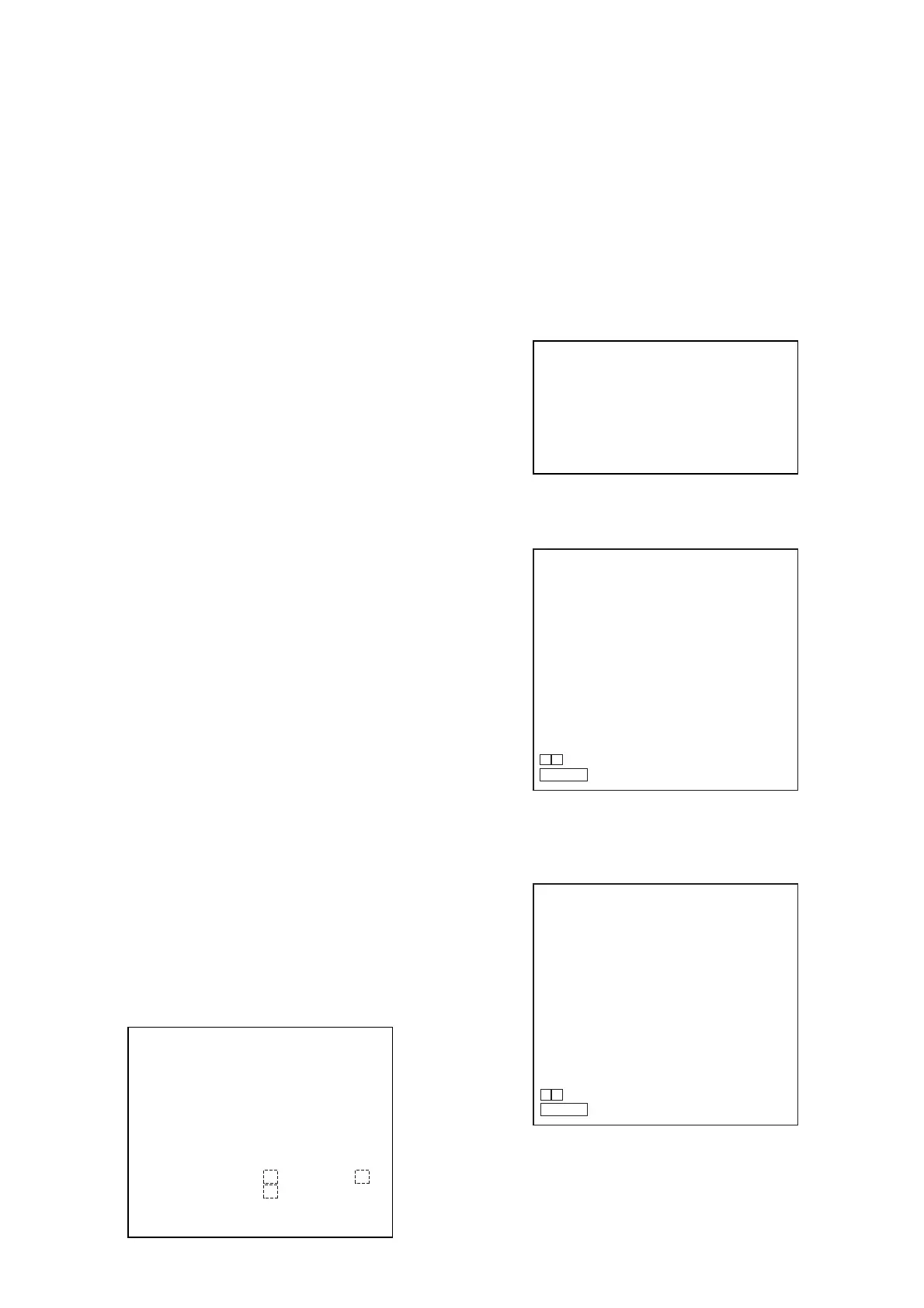
Remocon Diagnosis Menu
0. External Chip Check
1. Servo Parameter Check
2. Drive Manual Operation
3. Emergency History
4. Version Information
Model Name
: SHAKE-X1D_ XX *1 or SHAKE-X3D_ XX
*
1 or
: SHAKE-X7D_ XX
*
1
IF-con
Syscon
: Ver. XX.XX (XXXX)
: Ver. X.XXX
Ver. 1.1
5. To execute each function, press its number by using numeric
button on the remote commander.
6. To release from this mode, press the [\/1] button to turn off
the system.
• Execute IOP Measurement
In order to execute IOP measurement, the following standard
procedures must be followed.
1. From the Top Menu of Remocon Diagnosis Menu, select
“2. Drive Manual Operation” by pressing the [2] button on
the remote commander. The following screen appears on the
onscreen display.
2. Select “3. Manual Adjustment” by pressing the [3] button on
the remote commander. The following screen appears on the
on-screen display.
3. Select “6. Iop:” by pressing the [6] button on the remote
commander.
4. Wait until a hexadecimal number appears in the on-screen
display as below:
5. Convert data from hexadecimal to decimal by using
conversion table.
6. Please fi nd the label on the rear of the BU (Base Unit).
The default IOP value is written in the label.
7. Subtract between these two values.
Drive Manual Operation
1. Servo Control
2. Track/Layer Jump
3. Manual Adjustment
4. Tray Aging Mode
5. MIRR time Adjust
0. Return to Top Menu
Manual Adjust
1. Track Balance Adjust:
2. Track Gain Adjust:
3. Focus Balance Adjust:
4. Focus Gain Adjust:
5. Eq Boost Adjust:
6. Iop:
7. TRV. Level:
8. S curve (FE) Level:
9. RFL (PI) Level:
0. MIRR Time:
O o Change Value
RETURN Return to previous menu
Manual Adjust
1. Track Balance Adjust:
2. Track Gain Adjust:
3. Focus Balance Adjust:
4. Focus Gain Adjust:
5. Eq Boost Adjust:
6. Iop. ED
7. TRV. Level:
8. S curve (FE) Level:
9. RFL (PI) Level:
0. MIRR Time:
O o Change Value
RETURN Return to previous menu



 To Next Page