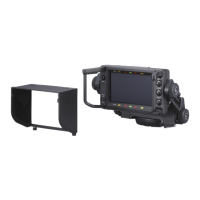
HDVF-C950W
2-5 (E)
Page Menu Items Setting Function
S07 DIAGNOSIS EEPROM Display only Indicates the self-diagnosis status for
EEPROM (IC606) in the PR board
OK : Normal
ACCSS : Communication error
DATA : Saved data error
LCD Display only Indicates the self-diagnosis status for
the LCD panel
OK : Normal
ACCSS : Communication error
CLOCK Display only Indicates the self-diagnosis status for
the clock generation IC (IC306) in the
PR board
OK : Normal
ACCSS : Communication error
DATA : Saved data error
FPGA Display only Indicates the self-diagnosis status for
FPGA (IC300) in the PR board
OK : Normal
ACCSS : Communication error
S08 VERSION SOFTWARE
MAIN Display only Displays the software version of the
IC600/PR-292 board
BOOT Display only Displays the BOOT software version
of the IC600/PR-292board
FPGA Display only Displays the FPGA software version
of the IC300/PR-292 board
S09 RESET MENU RESET EXEC Returns the MENU parameters to the
defaults
*5
Push the MENU knob to switch to the
operation screen
*6
*5 : Items in pages 1 and 2 of the SERVICE menu are adjusted when shipped from the factory (for information about adjustment,
refer to Section 3 “Electrical Alignment”), and cannot be reset with MENU RESET.
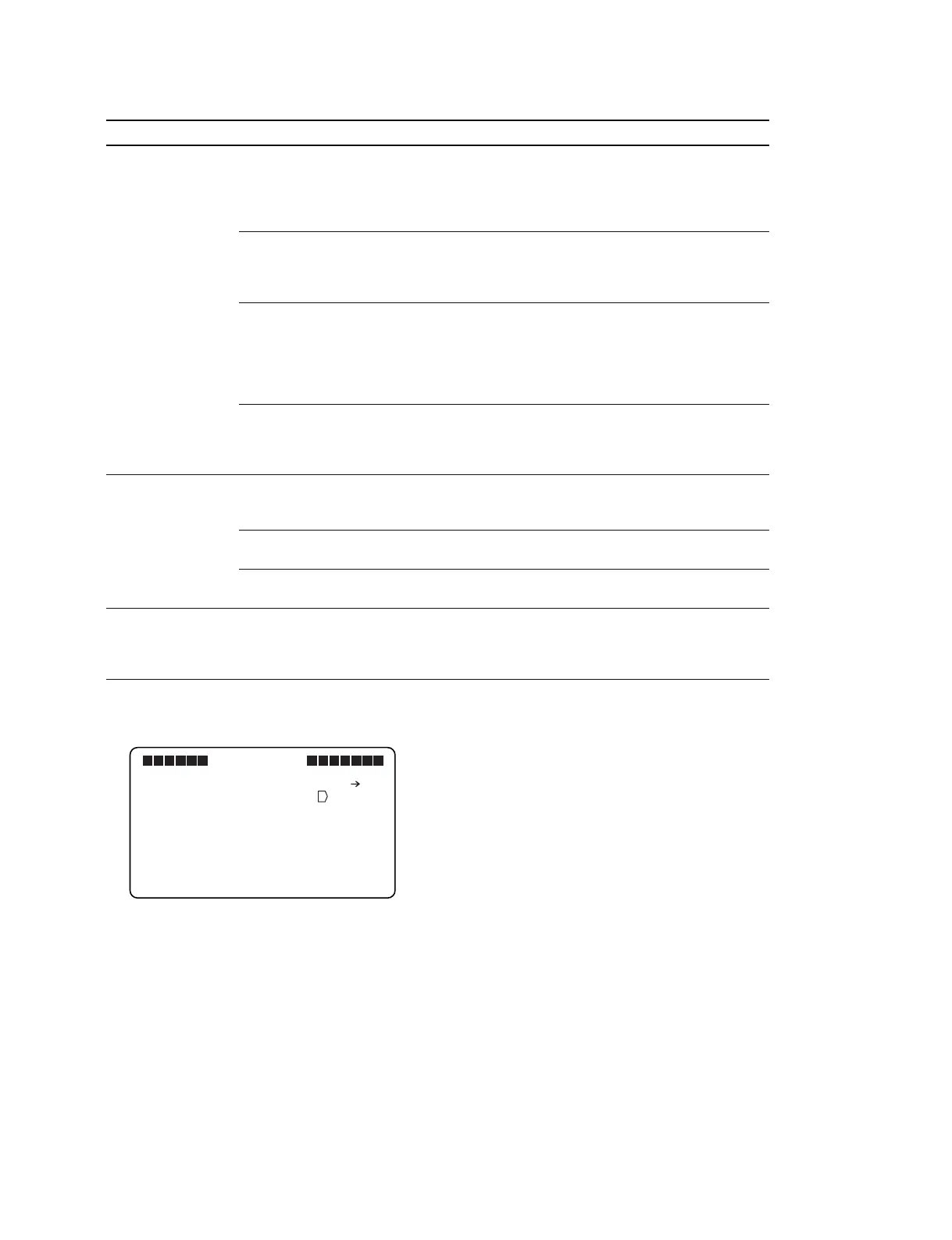
*6 : Place the cursor mark “→” on “EXEC” and press the MENU knob to move to the following operation screen.
Place the cursor mark “→” on “YES” and press the MENU knob to perform reset.
VF MENU
S09 RESET
RESET OK? YES NO
MENU RESET : EXEC



 To Next Page