145
L:\SONY\PV\CX91030\1130insatuPDF\2887521121_GB\2887521111HVRV1UVIN\01GB12QUI.f
m
HVR-V1E/V1P
2-887-521-12(1)
Quick Reference
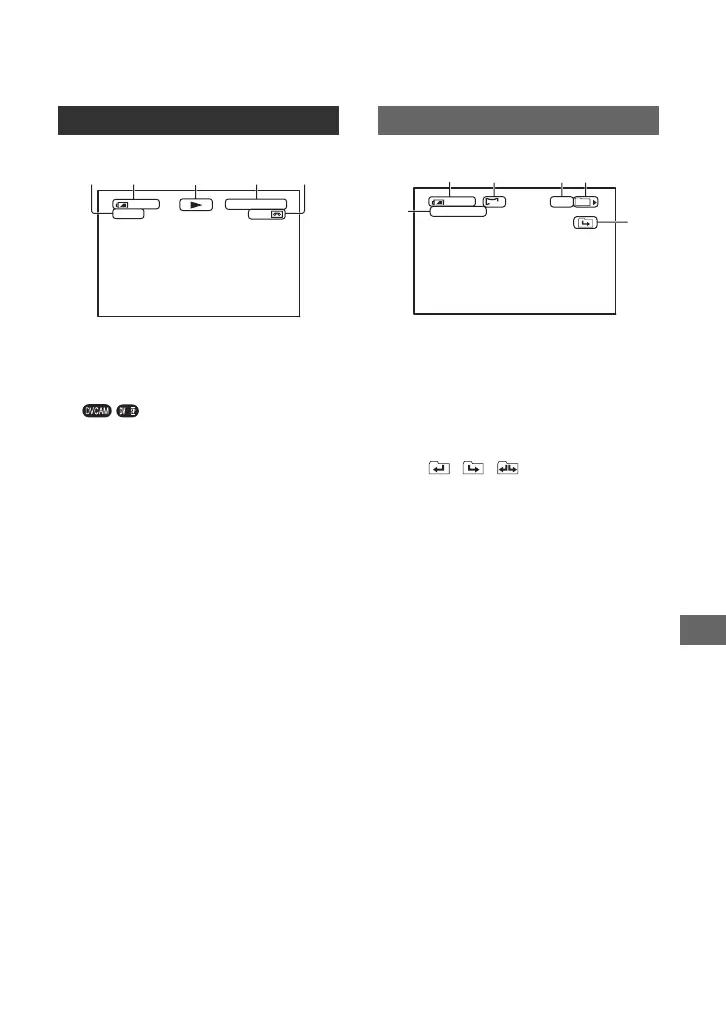
K Tape transport indicator
Recording mode (DVCAM or DV SP)
appears when a tape recorded in the DVCAM
or DV SP format is played back.DV.
L Data file name
M Picture number/Total number of
recorded pictures in the current
playback folder
N Playback folder (88)
O Previous/Next folder icon
The , , appear when the first or
last picture of the current folder is displayed
and when there are multiple folders on the
same “Memory Stick Duo.” You can move to
Previous/Next folder with the VOLUME/
MEMORY button.
Viewing movies
120
HDV1080i
12
00:04:50:04
qa
min
min
Viewing still images
125
min
101-0011
1.2M
9/9
101
MEMORY PLAY
8
qs
qd
qf
qg
Continued ,



 To Next Page