99
HVR-V1E/V1P
2-887-521-12(1)
L:\SONY\PV\CX91030\1130insatuPDF\2887521121_GB\2887521111HVRV1UVIN\01GB07DUB.
fm
Dubbing/Editing
Deleting recorded
pictures from the
“Memory Stick Duo”
1 Set the POWER switch to VCR.
2 Playback a picture you want to
delete (p. 36).
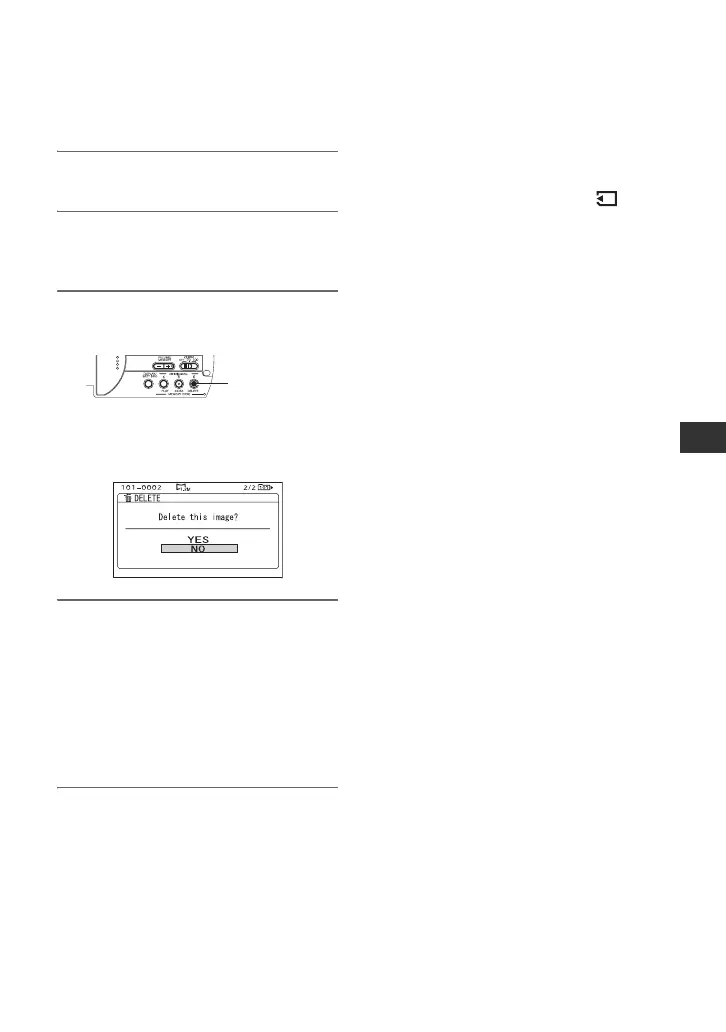
3 Press the MEMORY/DELETE
button.
[Delete this image?] will be
displayed.
4 Select [YES] by turning the SEL/
PUSH EXEC dial, then press the
dial.
The picture is deleted.
b Note
• The pictures cannot be restored once they
are deleted.
b Note
• Pictures cannot be deleted when a “Memory
Stick Duo” with the write-protect tab is set to
the write-protect position (p. 125), or when the
selected picture is protected (p. 110).
MEMORY/
DELETE
z Tips
• To delete images from the index screen, use the
VOLUME/MEMORY button to move the B
mark to the images you want to and perform
steps 3 and 4.
• To delete all pictures at once, select [ ALL
ERASE] (p. 87).



 To Next Page