55
L:\SONY\PV\CX91030\1130insatuPDF\2887521121_GB\2887521111HVRV1UVIN\01GB05BAS.
fm
HVR-V1E/V1P
2-887-521-12(1)
Recording/Playback
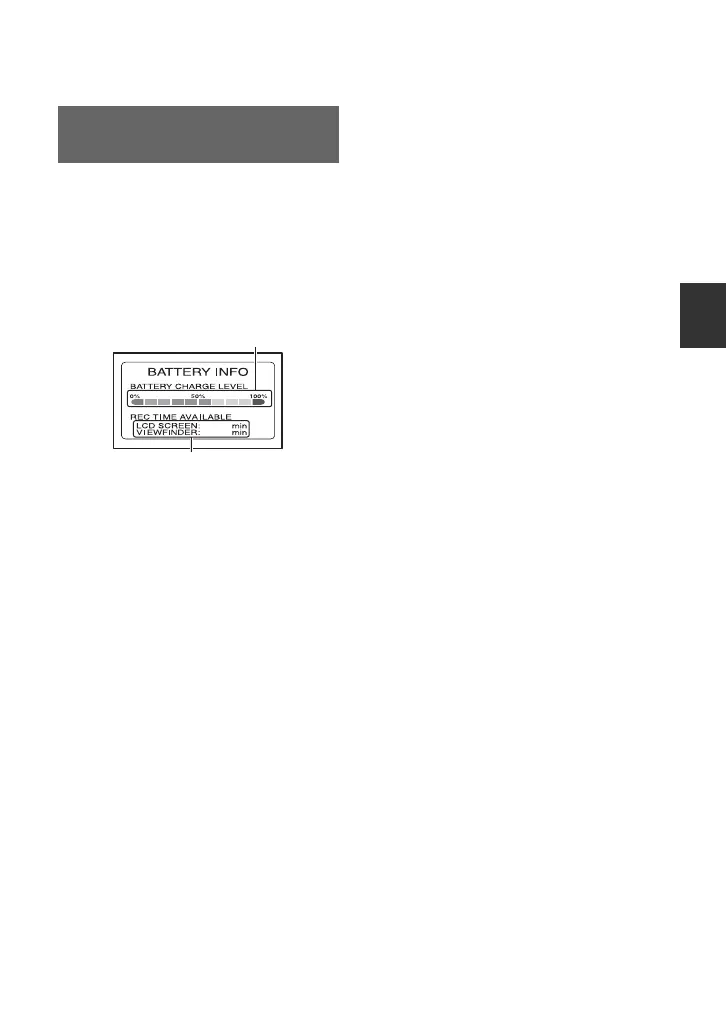
Set the POWER switch to OFF (CHG), then
press the DISPLAY/BATT INFO button
C. The approximate recordable time in the
selected format and battery information
appear for about 7 seconds. You can view
the battery information for up to 20 seconds
by pressing the button again while the
information is displayed.
Checking the remaining battery
(Battery Info)
121
121
Remaining battery (approx.)
Recording capacity (approx.)
Continued ,



 To Next Page