16
L:\SONY\PV\CX91030\1130insatuPDF\2887521121_GB\2887521111HVRV1UVIN\01GB00BOO
KTOC.fm
HVR-V1E/V1P
2-887-521-12(1)
Locating a scene on a tape .................................................................... 56
Searching for a scene by date of recording (Date search) ................ 56
Searching for a recording start point (Index search) .......................... 56
Playing the picture on a TV .................................................................... 58
Using the menu items ........................................................... 64
Menu items ............................................................................................ 66
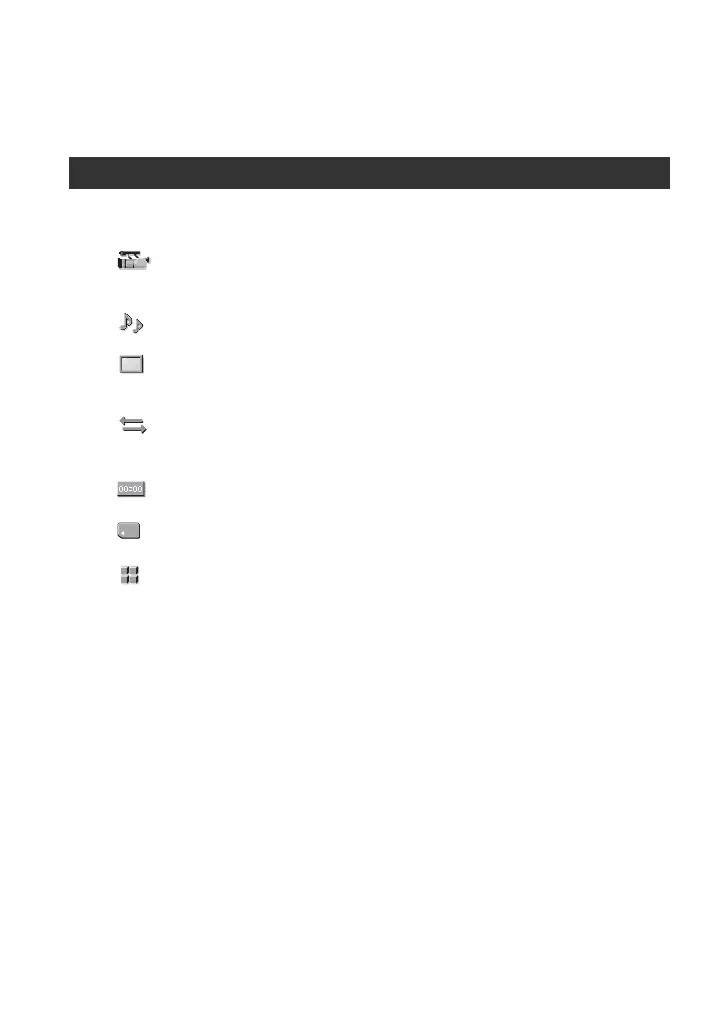
(CAMERA SET) menu .................................................................... 69
Settings to adjust your camcorder to the recording conditions (EXPOSURE/
IRIS/STEADYSHOT/BACK LIGHT, etc.)
(AUDIO SET) menu ....................................................................... 75
Settings for the audio recording (DV AU. MODE/XLR SET, etc.)
(DISPLAY SET) menu ..................................................................... 77
Display settings of the display and the viewfinder (MARKER/VF B.LIGHT/
DATA CODE, etc.)
(IN/OUT REC) menu ....................................................................... 82
Recording settings, input and output settings (VCR HDV/DV/DV REC MODE/
DV WIDE REC/ DOWN CONVERT, etc.)
(TC/UB SET) menu ......................................................................... 85
(TC PRESET/UB PRESET/TC LINK, etc.)
(MEMORY SET) menu ..................................................................... 87
Settings for the “Memory Stick Duo” (QUALITY/ALL ERASE, etc.)
(OTHERS) menu ............................................................................. 89
Settings while recording on a tape or other basic settings (USB SELECT/
QUICK REC/BEEP, etc.)
Using the Menu



 To Next Page