65
HVR-V1E/V1P
2-887-521-12(1)
Using the Menu
L:\SONY\PV\CX91030\1130insatuPDF\2887521121_GB\2887521111HVRV1UVIN\01GB06MEN
.fm
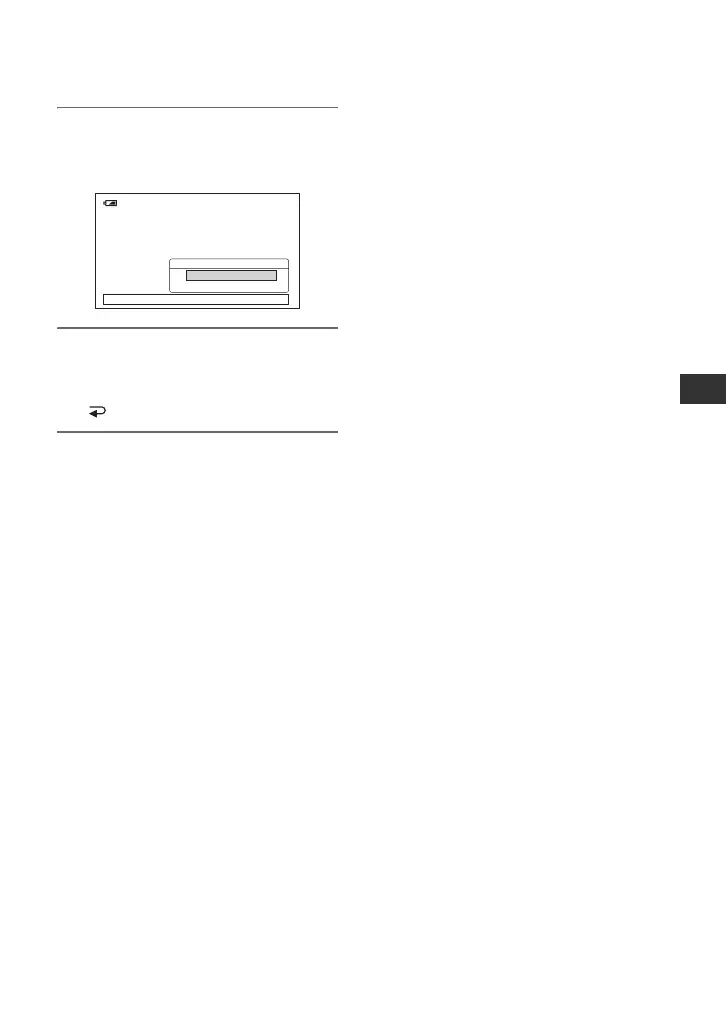
5 Select the desired setting by
turning the SEL/PUSH EXEC dial,
then press the dial.
6 Press the MENU button to hide
the menu screen.
To return to the previous screen, select
[ RETURN].
120min
REMOTE CTRL
[
MENU
]
: END
ON
OFF
--:--:--:--



 To Next Page