93
HVR-V1E/V1P
2-887-521-12(1)
L:\SONY\PV\CX91030\1130insatuPDF\2887521121_GB\2887521111HVRV1UVIN\01GB07DUB.
fm
Dubbing/Editing
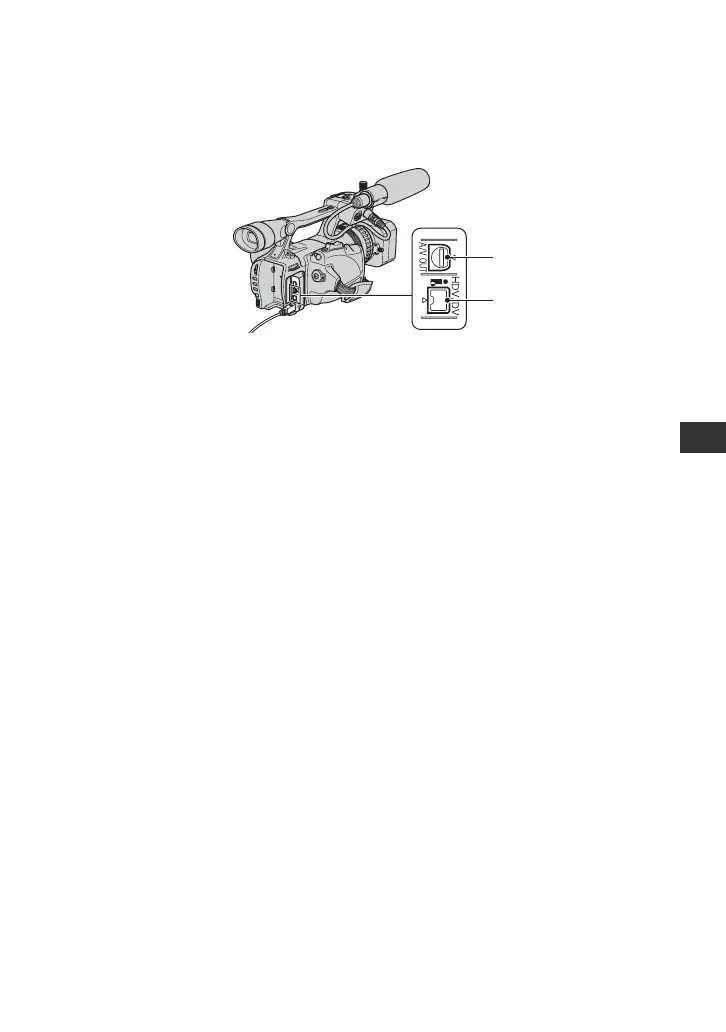
Jacks on your camcorder
Open the jack cover and connect the cable.
Using an i.LINK cable (optional)
The dubbed format (HDV/DV) differs depending on the recording format or the format
supported by the VCR/DVD device. See the table below for selecting the appropriate settings,
and perform necessary menu setting.
b Note
• Disconnect the i.LINK cable before changing these menu settings, otherwise the VCR/DVD device may
not correctly identify the video signal.
z Tip
• This camcorder has a 4-pin i.LINK terminal. Select a cable that fits the terminal on the device to be
connected.
1
2
Continued ,



 To Next Page