Basic Operations
13
GB
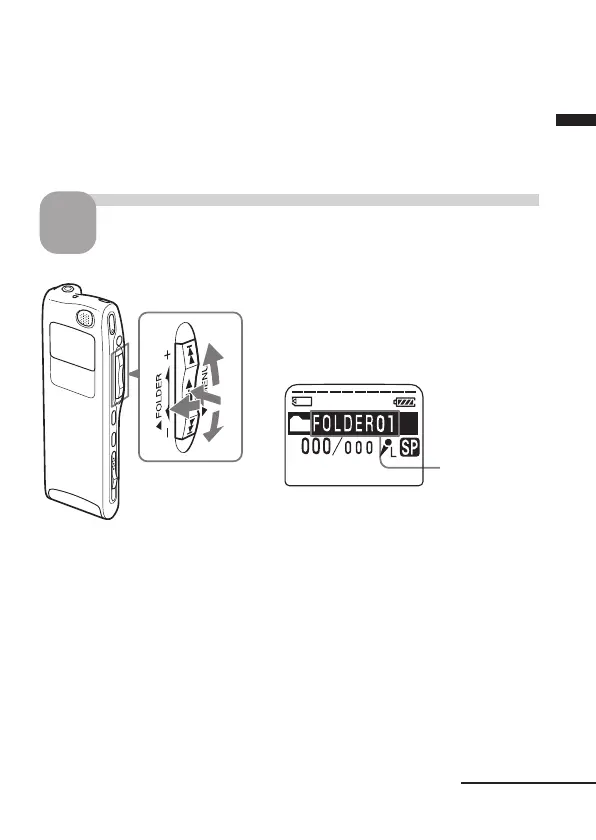
Folder name
(page 44)
1
2
2
3
Notes
• To record in better sound quality, select the SP mode. For switching the
recording mode, see page 59.
• Before making a long recording, be sure to check the battery indicator (page
7).
• The maximum recording time and the number of messages you can make
varies depending on the conditions of use.
Select the folder.
1
1 Turn the jog lever toward FOLDER.
The folder is selected.
2 Press the jog lever up or down (>/
.) to display the folder in which
you wish to record messages.
3 Press the jog lever (x•B) again to
select the folder.
To add a new folder, see page 39.
Continued



 To Next Page