14
GB
Start recording.
2
1 Press zREC/REC PAUSE button.
You do not need to keep pressing
zz
zz
zREC/REC PAUSE while recording.
2Speak into the built-in microphone.
Notes
• While the OPR indicator flashes or lights in
orange or red, do not remove the “Memory
Stick“, or batteries. Doing so may damage the
data.
• Noise may be recorded if an object, such as
your finger, etc., accidentally rubs or scratches
the unit during recording.
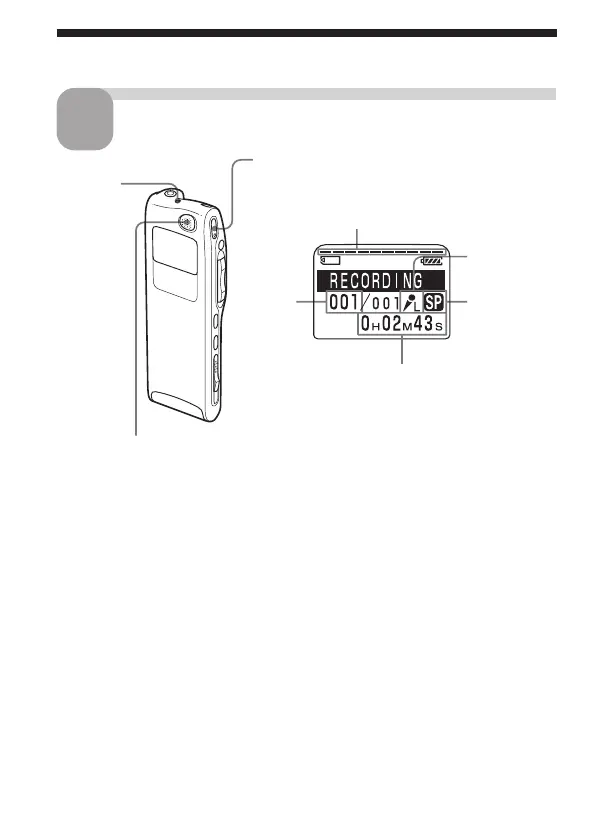
OPR
indicator
(lights in
red during
recording)
built-in microphone
Recording Messages (continued)
Remaining memory indication
Recording
mode
indication
Counter display
(The display selected with the DISPLAY in
the menu (page 25) appears.)
Current
message
number
Microphone
sensitivity
indication



 To Next Page