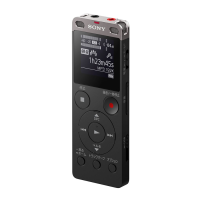
Even if you set a scene, you can change the settings for [REC Mode] and [Built-In Mic Sensitivity].
If settings were changed, an asterisk (*) appears next to the scene icon.
Related Topic
Selecting a recording scene for an individual situation
Selecting the recording mode (REC Mode)
Selecting the sensitivity level of the built-in microphones (Built-In Mic Sensitivity)
5-006-945-11(1) Copyright 2019 Sony Corporation



 To Next Page