Help Guide
IC Recorder
ICD-UX570F / ICD-UX575F
Monitoring the recording audio
It is recommended that you monitor the ongoing recording.
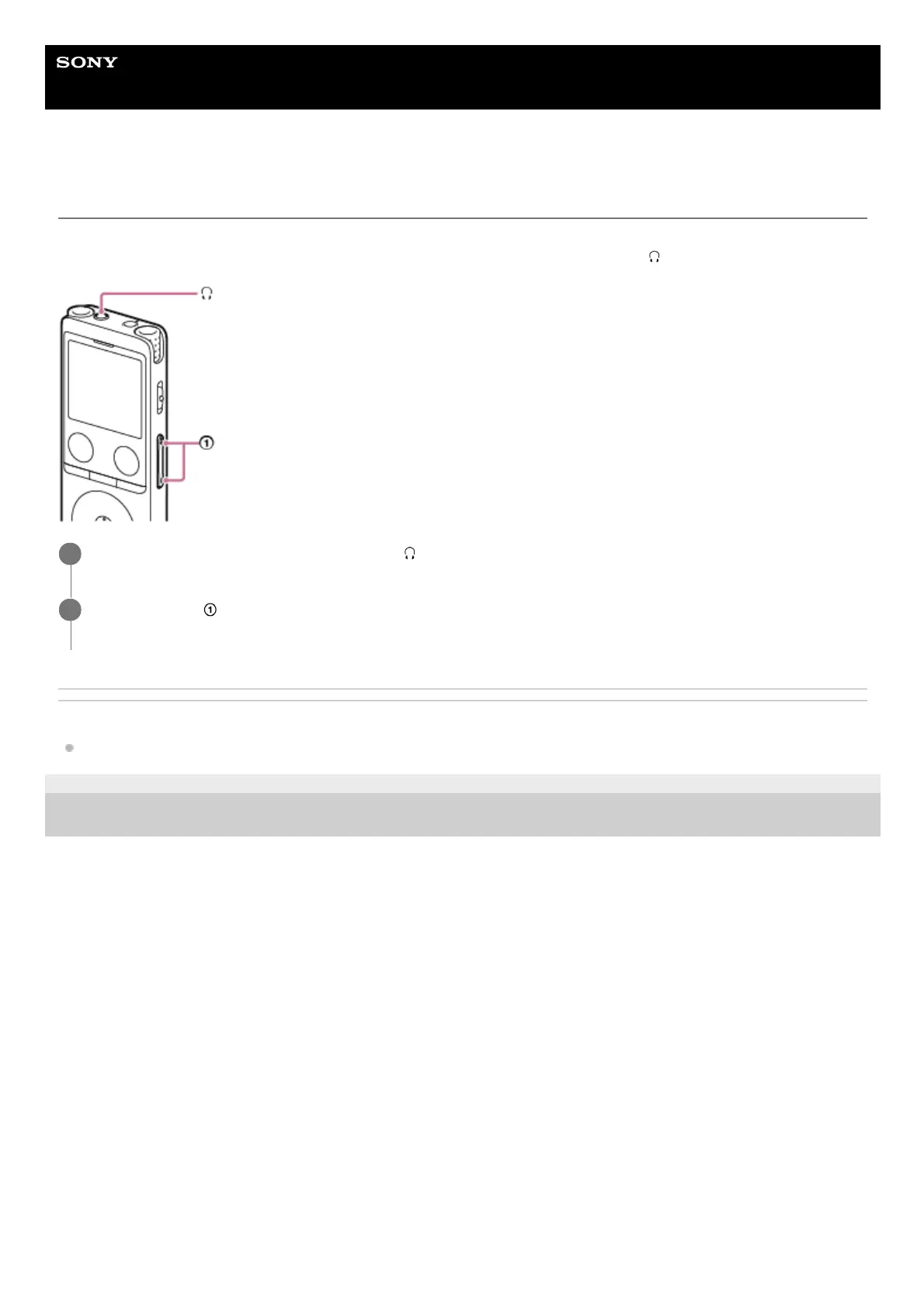
You can monitor the ongoing recording by connecting headphones (not supplied) to the
(headphones) jack.
Related Topic
Recording to the built-in memory
5-006-945-11(1) Copyright 2019 Sony Corporation
Connect headphones (not supplied) to the
(headphones) jack.
1
Press VOL -/+ (
) to adjust the monitoring volume.
Changing the monitoring volume does not affect the recording volume.
2



 To Next Page