Help Guide
IC Recorder
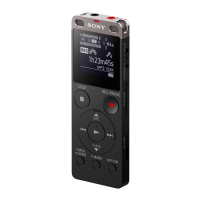
ICD-UX570F / ICD-UX575F
Recording to the built-in memory
This section describes the procedure for basic recording operations. You can record audio with the selected sensitivity
level of the microphones and recording mode.
Note
If you accidentally touch your IC recorder or let an object come in contact with it while recording is in progress, rustling or
scratching noises may be recorded.
Hint
Before you start recording, we recommend you first make a trial recording or monitor the recording. For instructions on monitoring
the recording, see Monitoring the recording audio.
Recorded files are stored in [FOLDER01] under [
Recorded Files] - [Folders] - [Built-In Memory] by default. To store recorded
files in a folder other than [FOLDER01], see Changing the memory storage and the storage folder for recorded files.
Select [
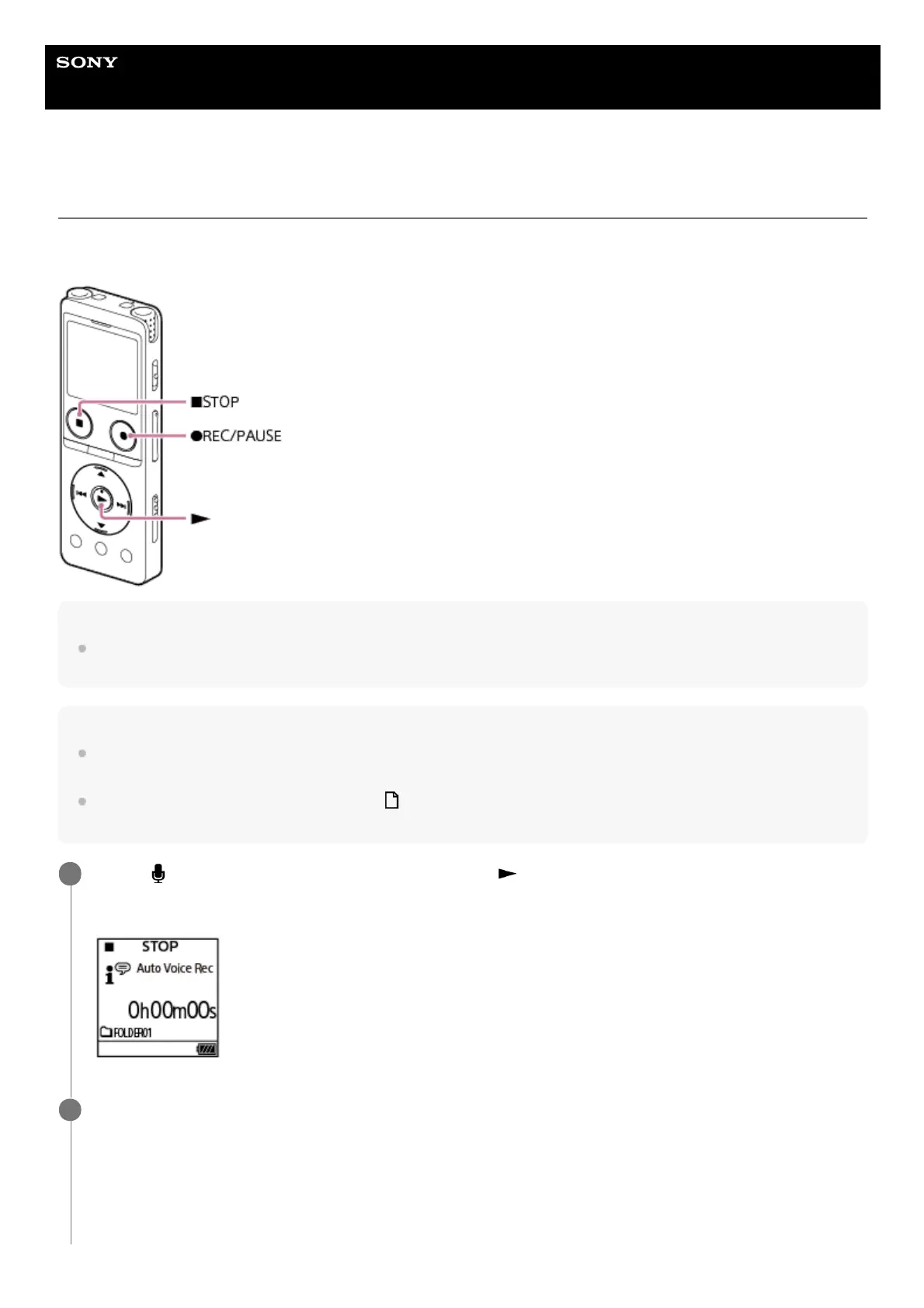
Record] on the HOME menu, and then press (play).
The recording standby screen is displayed on the display window.
1
Select the memory storage (the built-in memory) and the storage folder where you want to store recorded
files.
To store recorded files on the microSD card, you need to change the memory storage. Select [Recording Folder] on
the HOME menu while recording is on standby, and then select [SD Card] on the Memory Selection screen before
you start recording.
2



 To Next Page