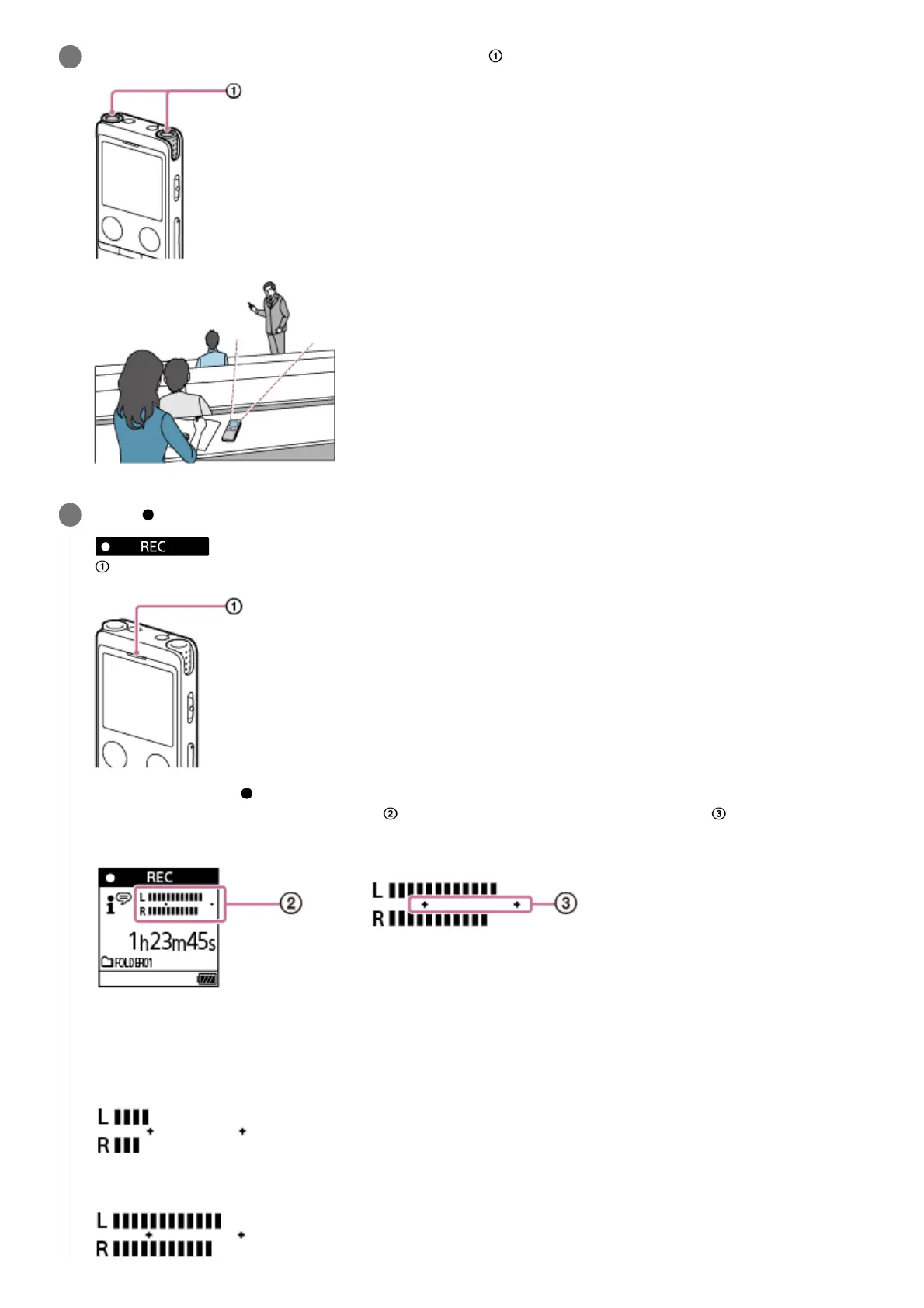
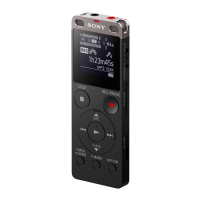
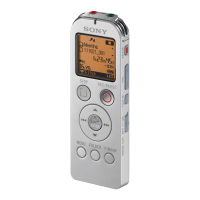
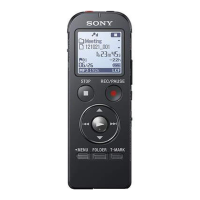
Turn your IC recorder so that its built-in microphones ( ) point in the direction of the target sound source.
3
Press
REC/PAUSE.
appears on the display window to indicate that recording has started, and the operation indicator (
) lights in red.
If you press and hold REC/PAUSE, the IC recorder pauses and cannot record.
While recording, the recording level guide (
) appears. The space between the pluses (+) ( ) indicates the
appropriate range for the recording level.
Adjust the orientation of the built-in microphones or the distance from the sound source, or stop recording and
change the settings for Built-in Mic Sensitivity or Scene Select, so that the recording level falls within the pluses (+)
while recording, as illustrated below.
Recording level is too low (sounds quiet)
Appropriate recording level
4



 To Next Page