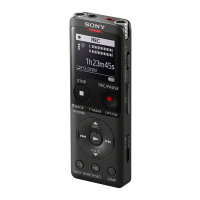
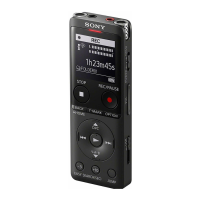
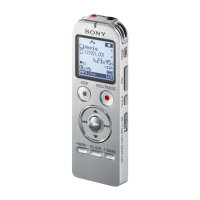
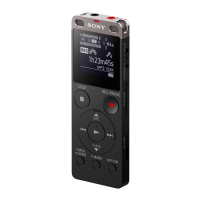
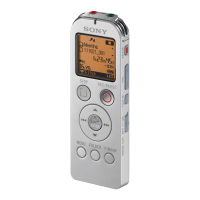
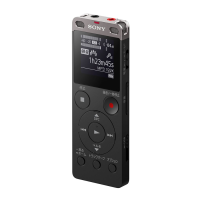
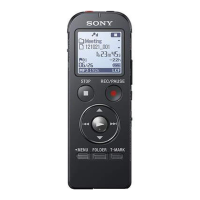
When no audio input continues for 2 seconds, flashing appears on the display window and the IC
recorder pauses. When audio input resumes, it restarts recording, saving the audio to a new file.
Hint
If the recording level is not appropriate, connect your IC recorder to the headphones jack (stereo mini-jack) on the external device
with an audio connection cable, and then adjust the volume of the external device while checking the IC recorder’s recording
level guide. For more information, see About the recording level guide.
If you attempt to start synchronized recording while recording is already in progress, the IC recorder will stop recording.
Repeat steps 4 and 5 once again.
Related Topic
Recording the playback audio of the IC recorder on an external device
Recording without using the synchronized recording function
5-006-945-11(1) Copyright 2019 Sony Corporation



 To Next Page