Help Guide
Interchangeable Lens Digital Camera
ILCE-9M3 α9III
Finding functions from MENU
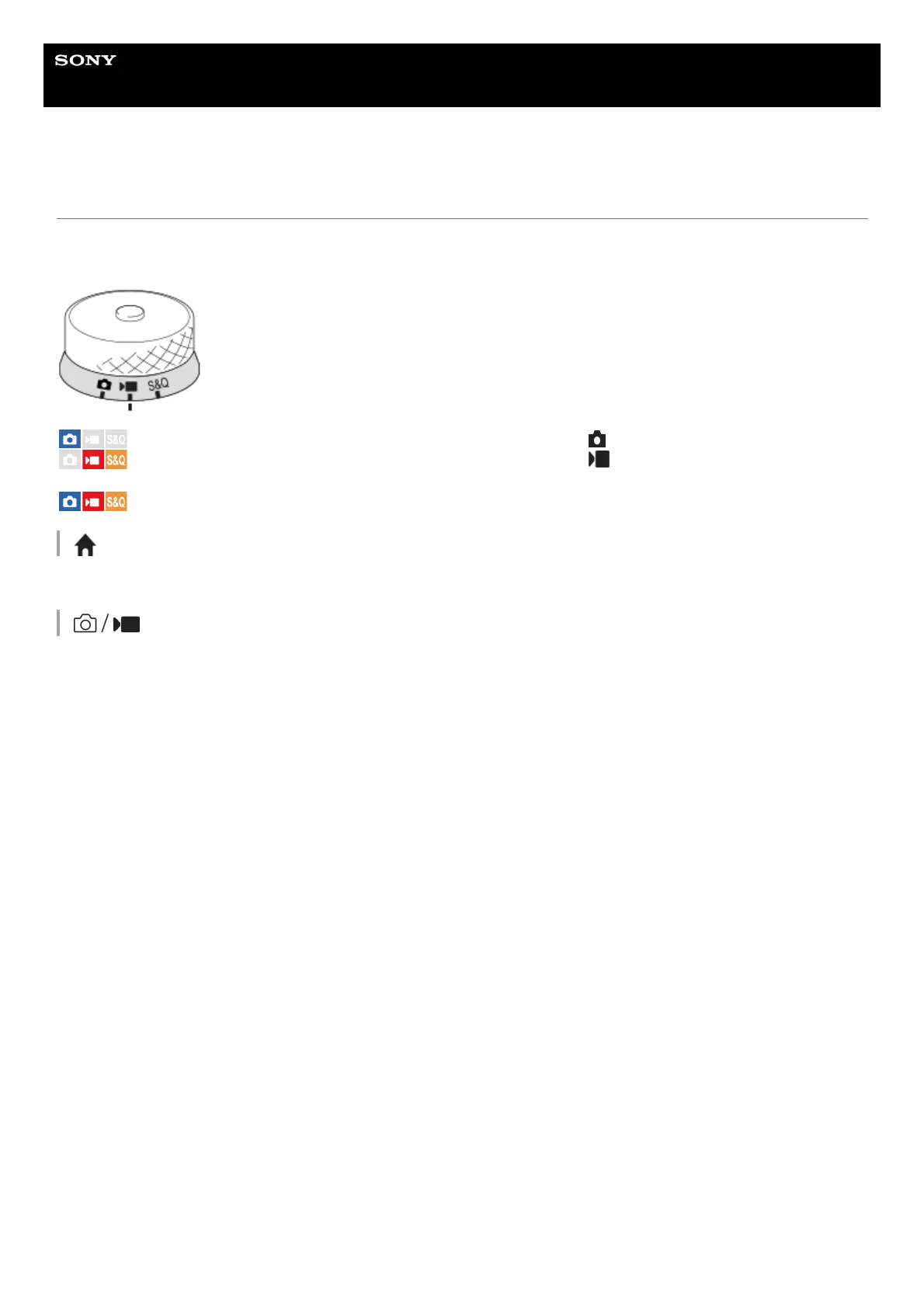
The displayed MENU items vary depending on the position of the Still/Movie/S&Q dial. In the table below, the modes in
which each MENU item is displayed are indicated by the still image/movie/S&Q icons.
: The menu item is displayed when the Still/Movie/S&Q dial is set to (still image shooting mode).
: The menu item is displayed when the Still/Movie/S&Q dial is set to (movie recording mode) or S&Q
(slow-motion/quick-motion shooting mode).
: The menu item is displayed regardless of the mode to which the Still/Movie/S&Q dial is set.
(Main) tab
Shooting settings are displayed in a list. For details, refer to “Main menu (shooting setting list).”
(Shooting) tab



 To Next Page