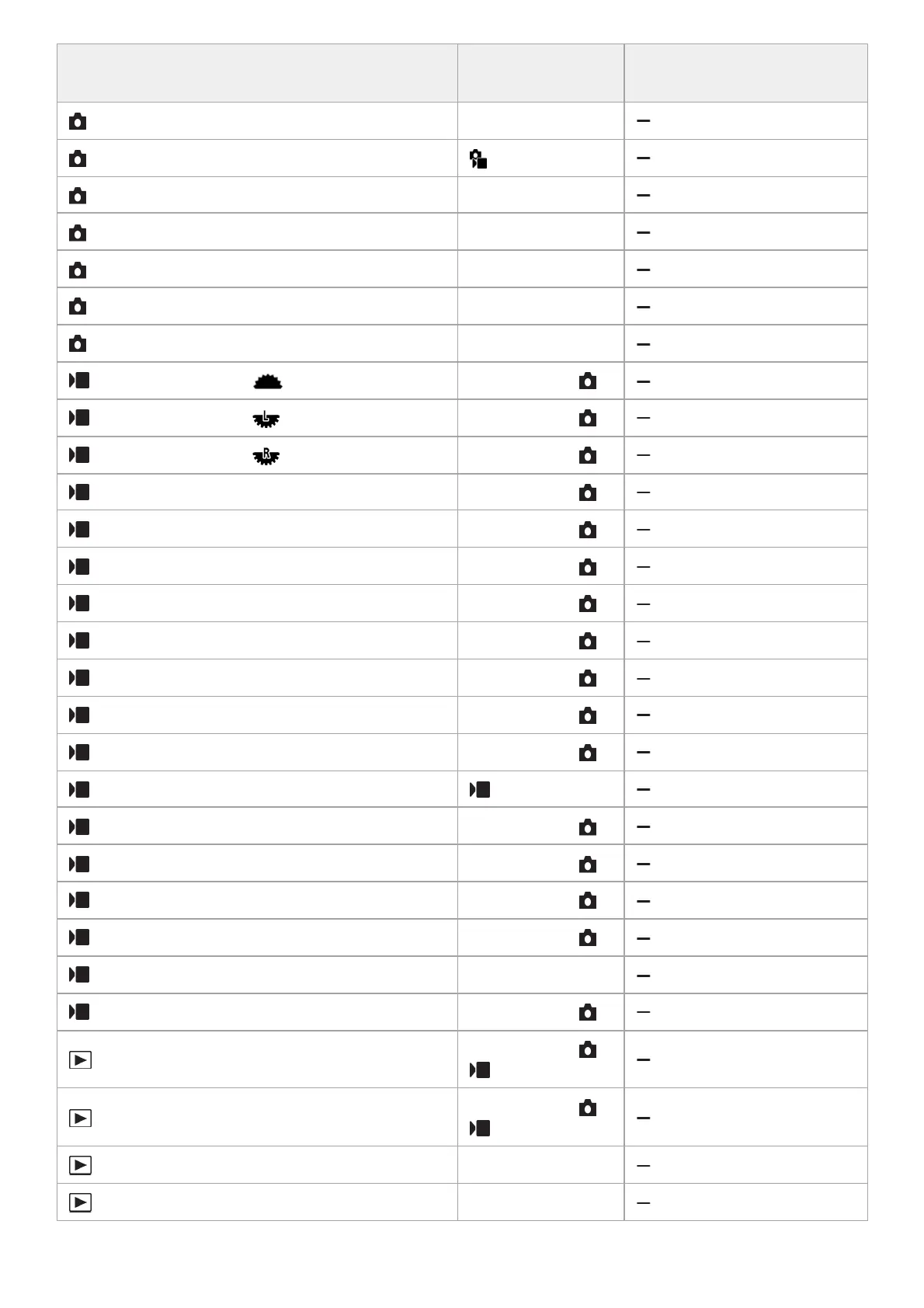
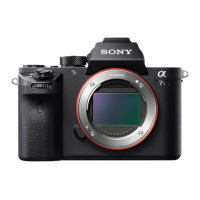
MENU item Default setting value
Resettable using [Camera
Settings Reset]
Custom Key/Dial Set. (Left Button) Not set
Custom Key/Dial Set. (Right Button) ISO
Custom Key/Dial Set. (Down Button) Not set
Custom Key/Dial Set. (AEL Button) AEL hold
Custom Key/Dial Set. (AF-ON Button) AF On
Custom Key/Dial Set. (MOVIE Button) Movie Shooting
Custom Key/Dial Set. (Focus Hold Button) Focus Hold
Custom Key/Dial Set. ( Front dial) Follow Custom ( )
Custom Key/Dial Set. ( Rear Dial L) Follow Custom ( )
Custom Key/Dial Set. ( Rear Dial R) Follow Custom ( )
Custom Key/Dial Set. (Control Wheel) Follow Custom ( )
Custom Key/Dial Set. (Custom Button 1) Follow Custom ( )
Custom Key/Dial Set. (Custom Button 2) Follow Custom ( )
Custom Key/Dial Set. (Custom Button 3) Follow Custom ( )
Custom Key/Dial Set. (Custom Button 4) Follow Custom ( )
Custom Key/Dial Set. (Custom Button 5) Follow Custom ( )
Custom Key/Dial Set. (Multi-Slc Center Btn) Follow Custom ( )
Custom Key/Dial Set. (Center Button) Follow Custom ( )
Custom Key/Dial Set. (Left Button) Self-timer
Custom Key/Dial Set. (Right Button) Follow Custom ( )
Custom Key/Dial Set. (Down Button) Follow Custom ( )
Custom Key/Dial Set. (AEL Button) Follow Custom ( )
Custom Key/Dial Set. (AF-ON Button) Follow Custom ( )
Custom Key/Dial Set. (MOVIE Button) Movie Shooting
Custom Key/Dial Set. (Focus Hold Button) Follow Custom ( )
Custom Key Setting (Custom Button 1)
Follow Custom ( /
)
Custom Key Setting (Custom Button 2)
Follow Custom ( /
)
Custom Key Setting (Custom Button 3) Protect
Custom Key Setting (Custom Button 4) Delete

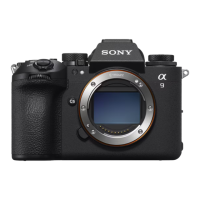

 To Next Page