Operating the Unit with a Computer
20
Preparations
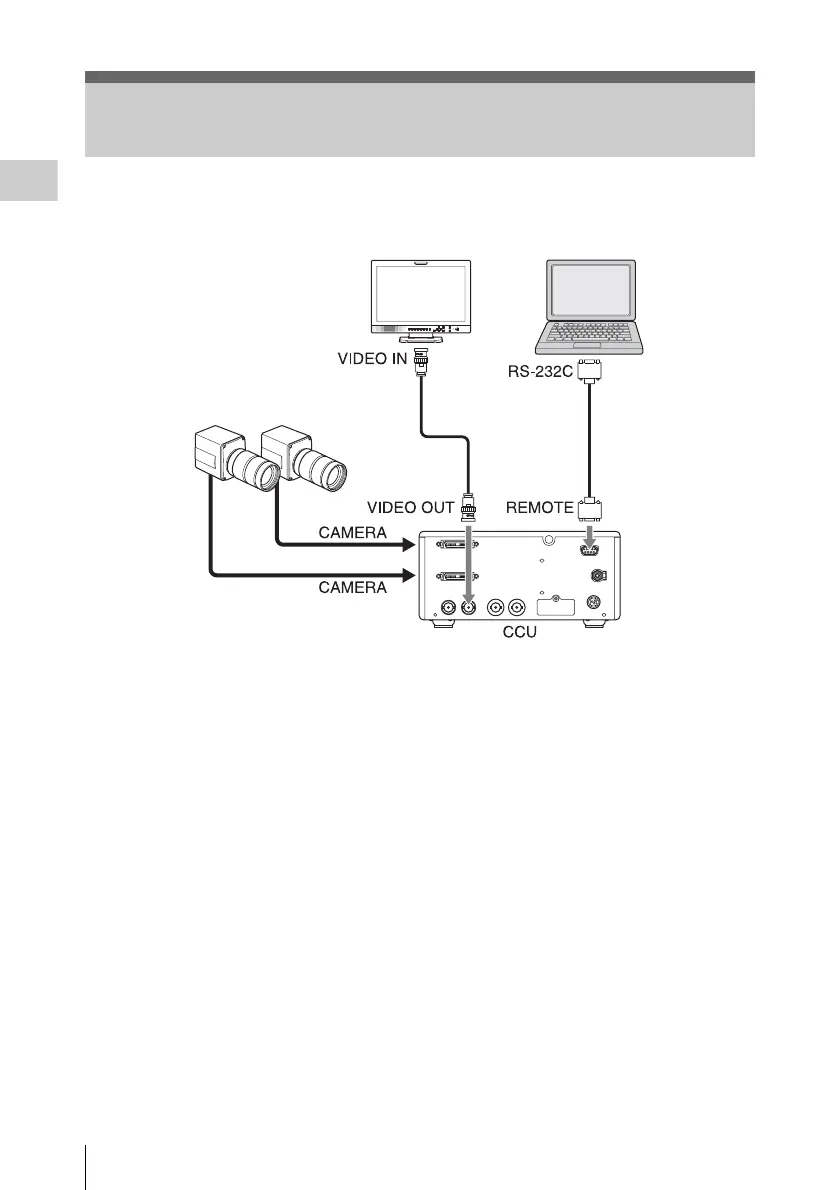
You can operate this unit with a computer
connected via the RS-232C interface.
For details on RS-232C protocols and cables for
connection between this unit and a computer, contact
your Sony dealer or your Sony service
representative.
Operating the Unit with a Computer
a) 9-pin remote control cable
b) 75 Ω coaxial cable
c) For connecting the camera head, see page 17
ComputerVideo monitor
Camera head
c)
a)
b)













 To Next Page