Important Notes on Operation
42
Appendixes
On operation and storage locations
Store the unit in a level, ventilated place. Avoid
operation or storage in any of the following
places.
• Location subject to extremes of temperature
(operating temperature range 0 °C to 40 °C
(32 °F to 104 °F))
• Location subject to direct sunlight for long
periods, or close to heating appliances (Note
that the interior of a car left in summer with the
windows closed can exceed 50 °C (122 °F).)
• Damp or dusty places
• Locations where the unit may be exposed to rain
• Location subject to severe vibrations
• Location near equipment generating strong
electromagnetic emissions
• Location near transmitting stations generating
strong radio waves
• Location with strong risk of fire or explosion
Note on laser beams
Laser beams may damage the CMOS image
sensors.
If you shoot a scene that includes a laser beam, be
careful not to let the laser beam be directed into
the lens of this unit.
Avoid violent impacts
Dropping the camera head unit or otherwise
exposing it to strong shocks will cause the left and
right camera output pictures to misalign vertically
and may result in malfunctions.
Do not obstruct ventilation openings
To prevent the unit from overheating, do not
obstruct ventilation openings, by for example
wrapping the unit in a cloth while it is in
operation.
Avoid sudden changes in temperature
Sudden changes in temperature may affect the
camera camera output picture.
Do not leave the unit with the lens facing
the sun
Direct sunlight can enter through the lens, be
focused in the unit, and cause fire.
On cleaning
Remove dust and dirt from the surfaces of the
lenses or optical filters using a blower.
If the casing or panel is dirty, wipe it gently with
a soft dry cloth. In the event of extreme dirt, use a
cloth steeped in a neutral detergent to remove the
dirt, then wipe with a dry cloth. Applying alcohol,
thinners, insecticides, or other volatile solvents
may result in deforming the casing or damaging
the finish.
On repacking and shipping
Save the original shipping carton and packing
material; they will come in handy if you ever have
to ship your unit. For maximum protection,
repack your unit as it was originally packed at the
factory, and take care not to impart violent shocks
in transit.
After use
Press the On/Standby button to set the unit to the
standby state.
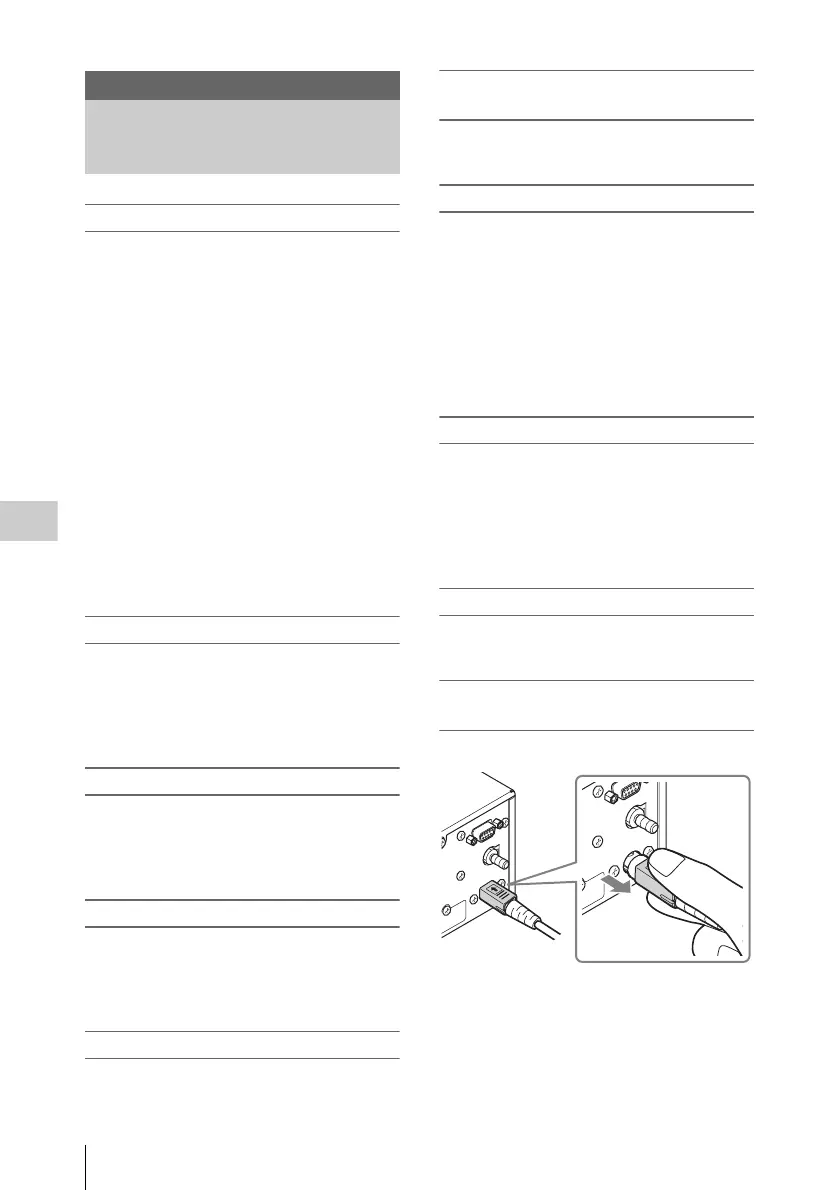
If not to be used for an extended period of
time
Disconnect the DC power cable.
Appendixes
Important Notes on
Operation
Slide the plug.












 To Next Page