Basic Operation Procedure
25
Shooting
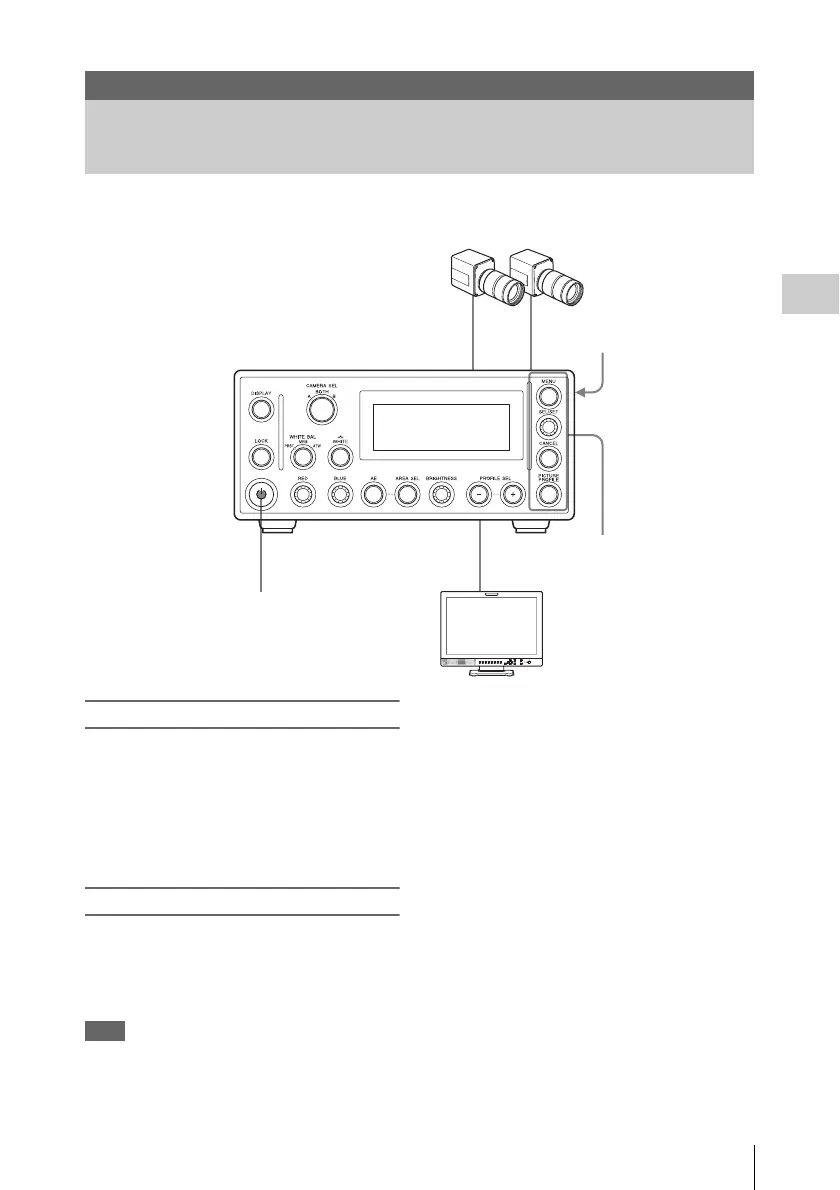
The basic shooting procedure is as follows.
Preparations
1 Connect the CCU and camera head (see
page 17), and connect the CCU to a
video monitor (see page 19).
2 Connect the CCU to a DC power cable.
(see page 21).
Startup
Press the On/Standby button to light it
green.
The unit starts, and the camera output picture
appear in the monitor screen.
Note
Press the button all the way in.
Shooting
Basic Operation Procedure
To DC power cable
On/Standby button
Menu operation section













 To Next Page