16
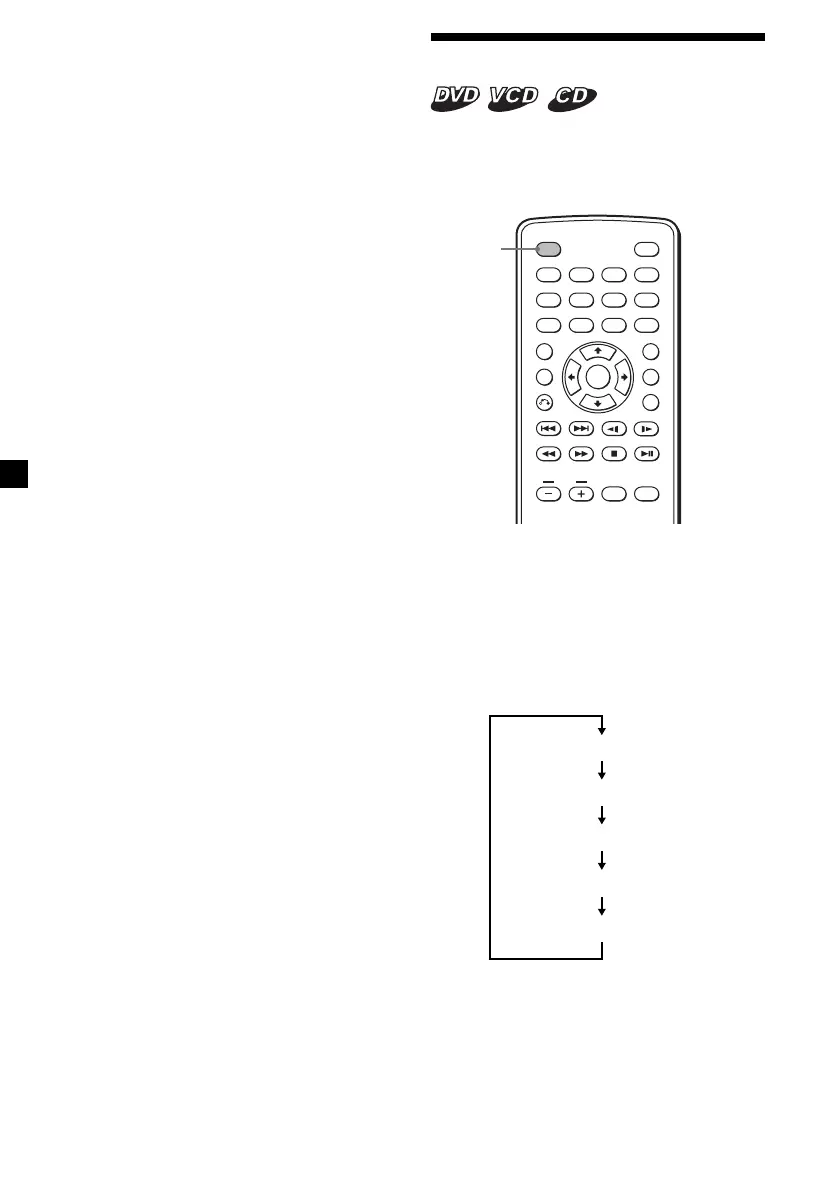
Displaying elapsed time
You can display the elapsed time and the
remaining time of DVDs, Video CDs and
Audio CDs.
ENTER
SEARCH
POWER
DISPLAY
CLEAR
SETUP
AUDIO
ANGLE
SUBTITLE
MENU
TOP MENU
INPUT
123
456
7890
VOL
DISPLAY
During playback, press (DISPLAY).
The elapsed time or the remaining time is
displayed at the upper left.
Each time you press (DISPLAY), the display
changes as follows:
•DVD
Elapsed time of the title
Remaining time of the title
Elapsed time of the chapter
Remaining time of the chapter
OFF (default display)
Notes
• While playing back, you cannot change a folder
or f ile wit h the M P3/JPG menu. Only t he files in
the selected folder can be selected w ith t he ./
> but ton. To change the f older, stop playback.
• Names f or the M P3 f olders and f iles are
displayed properly when t hey consist of
alphabet s, numbers, or symbols only. Folders and
files cont aining other charact ers are displayed as
“ DIR--001” or “ FILEOPEN--001.”
Downloaded from: https://www.usersmanualguide.com/















 To Next Page