25
Selecting the speaker
mode — SPEAKER menu
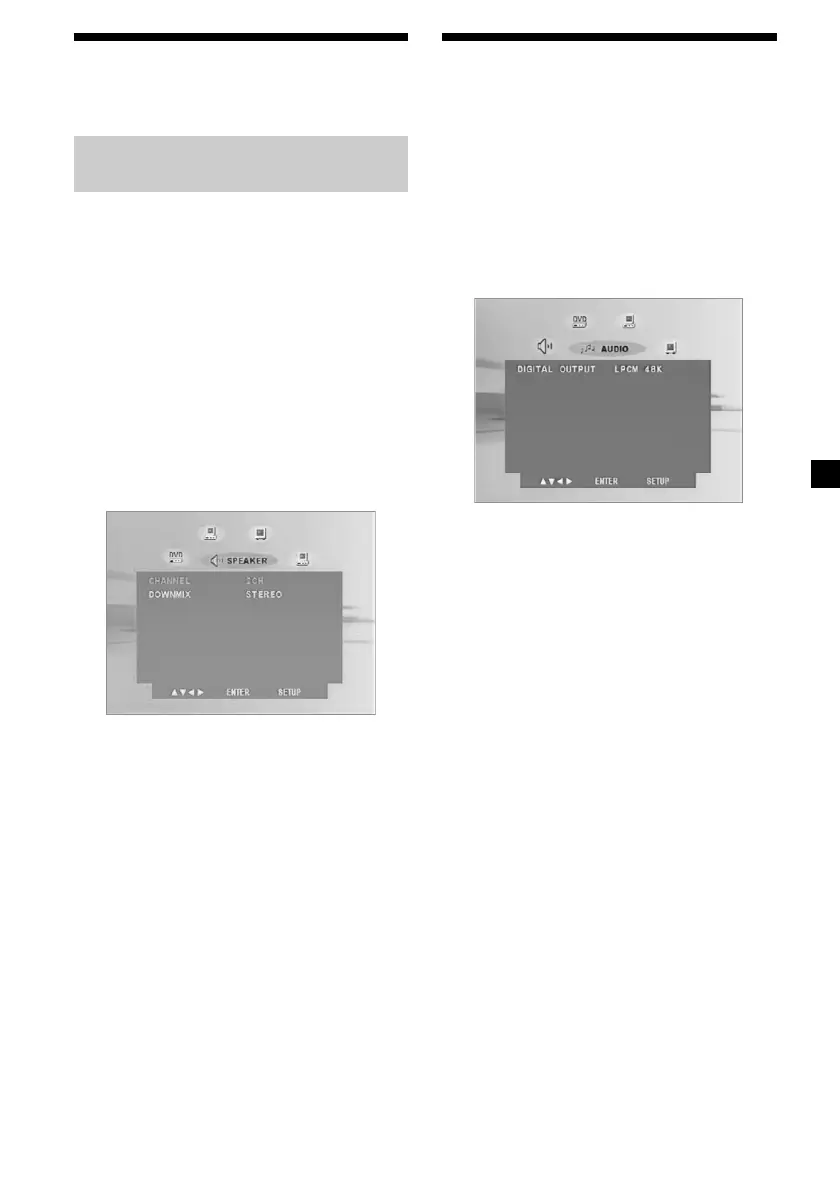
Selecting the dow nmix mode
— DOWNM IX
You can select the downmix mode from
“STEREO” or “LT/RT.” The downmix
function is used to create stereo (2-channel)
signals from more than 5 separated digital
signals of a source.
STEREO: Select this when the connected audio
equipment does not support Dolby
Surround (Pro Logic).
LT/RT: Select this when the connected audio
equipment supports Dolby Surround
(Pro Logic).
1 Press (SETUP), then press < or ,
button repeatedly until “SPEAKER” menu
appears on the screen.
2 Press M or m button repeatedly to select
“DOWNM IX.”
3 Press < or , button repeatedly to
select “STEREO” or “LT/RT,” then press
(ENTER).
4 Press (SETUP) to exit the SPEAKER
menu.
Selecting the digital audio
output mode — AUDIO menu
You can set the mode of the audio signals
output from the OPTICAL OUTPUT
connector. “BITSTREAM” or “LPCM 48K” can
be selected.
1 Press (SETUP), then press < or ,
button repeatedly until “AUDIO” menu
appears on the screen.
2 Press M or m button repeatedly to select
“DIGITAL OUTPUT.”
3 Press < or , button repeatedly to
select “BITSTREAM ,” “LPCM 48K,” or
“OFF,” then press (ENTER).
4 Press (SETUP) to exit the AUDIO menu.
Notes
• When “ OFF” is selected, no signal is out put f rom
the OPTICAL OUTPUT connector.
• When you connect t he player and a digit al
recording device such as an MD player through
an opt ical cable t o record t he CD cont ents wit h
that device, the cont ents w ill be recorded as one
cont inuous t rack.
Downloaded from: https://www.usersmanualguide.com/















 To Next Page