21-GB
Adjusting the recording level manually
(Manual recording)
When you record, the sound level is adjusted automatically. If
necessary, you can set the level manually.
Note
Adjust the recording level while the recorder is in standby mode. You cannot
adjust it while recording
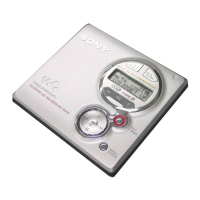
1 While holding down X, slide REC to the right.
The recorder stands by for recording.
2 Press ENTER, press >MENU. repeatedly until
“RecVolume” flashes in the display, and then press ENTER
again.
3 Press >MENU. repeatedly until “ManualREC” flashes in
the display, and then press ENTER.
To switch back to the automatic control, Press >MENU.
repeatedly until “Auto REC” flashes in the display, and then
press ENTER.
4 Play the source.
REC
./>
ENTER
>MENU.
X
ManualRec
continued



 To Next Page
 Loading...