27-GB
Various ways of playback
Selecting a track directly
You can select a desired track directly.
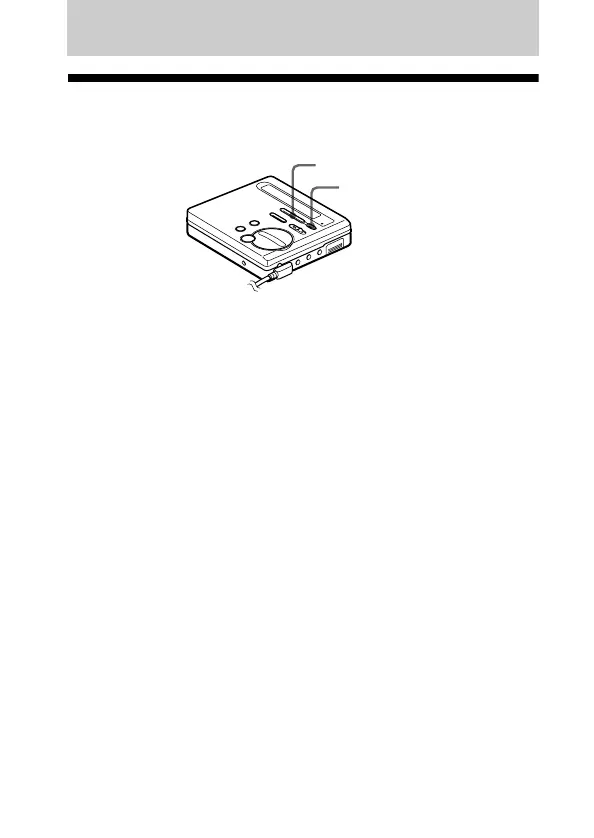
1 Press >MENU. repeatedly until the desired track appears
in the display, and then press ENTER.
The selected track name appears in the display and the recorder
starts playing by pressing ENTER. If the track has no name, the
track number appears in the display.
z
If you do step 1 while the recorder is shuffling the tracks, shuffle play starts
from the track that you selected.
>MENU.
ENTER



 To Next Page
 Loading...