23-GB
Checking the remaining time or the
recording position
You can check the remaining time, track number, etc. when recording
or during stop.
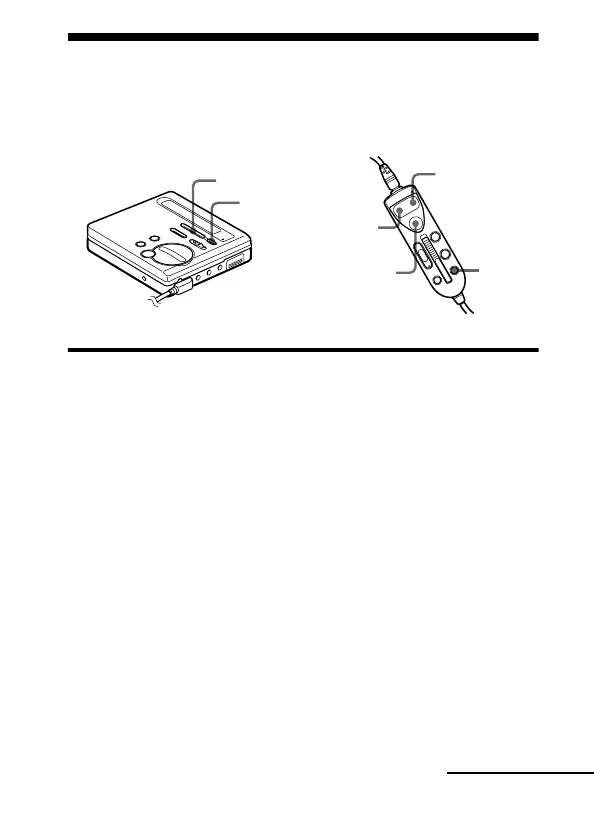
On the recorder
1 While the recorder is recording or stopped, press ENTER, press
>MENU. repeatedly until “DISPLAY” flashes in the
display, and then press ENTER again.
2 Press >MENU. repeatedly until the information you
want flashes in the display.
Each time you press MENU., the display changes as follows.
>MENU.
ENTER
>N
.
ENTER(x)
EDIT
continued



 To Next Page
 Loading...