User's manual Sony Personal Navigation System
- 52 - Indicating several destinations (Itinerary with stages)
Rename itinerary
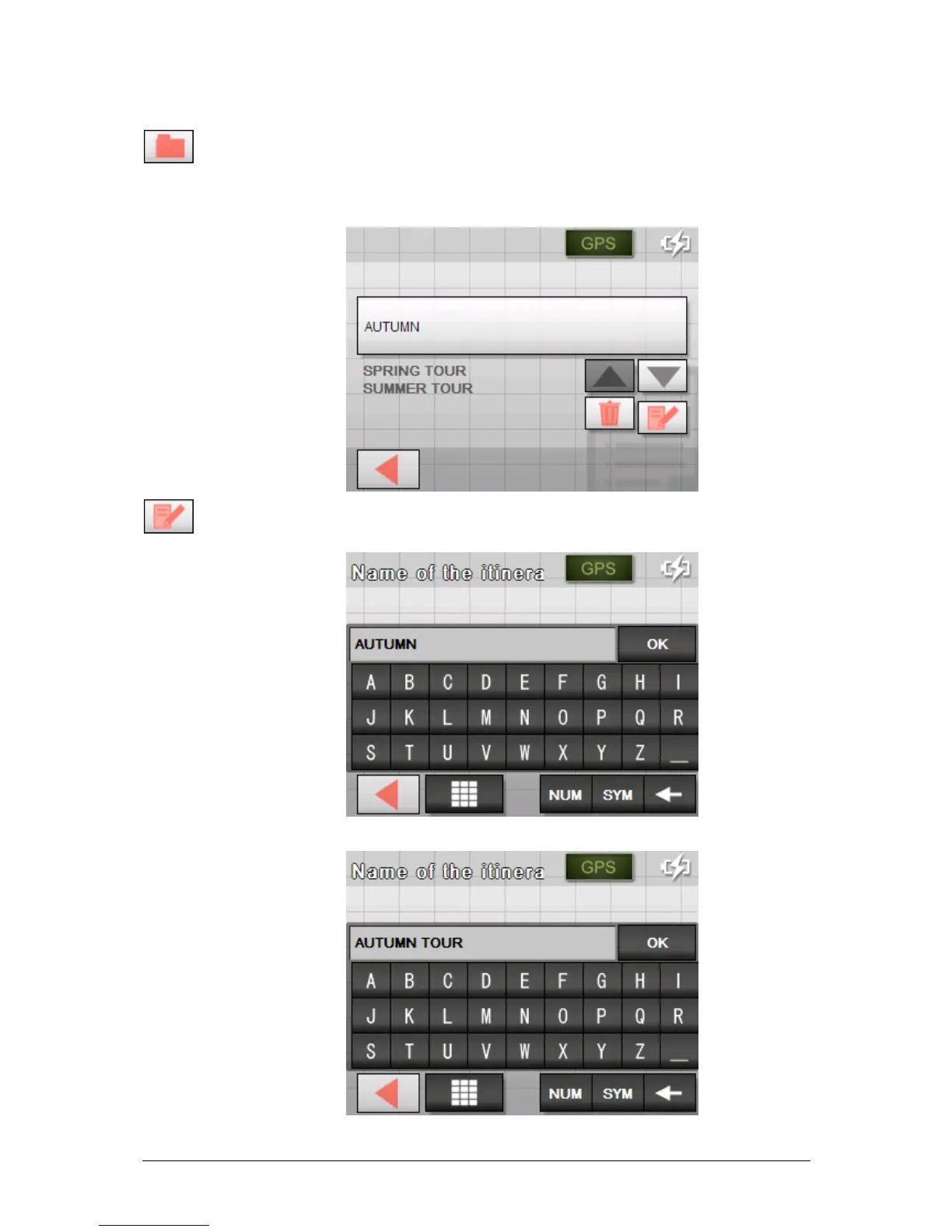
1. Tap the Load itinerary icon. (This icon is deactivated if there
is no saved itinerary available)
The S
ELECT ITINERARY screen opens:
2. Use the Up and Down buttons to mark the desired route.
The marked route appears on the select button.
3. Tap the Edit icon.
The N
AME OF THE ITINERARY screen opens:
4. Enter the new name of the itinerary.



 To Next Page