User's manual Sony Personal Navigation System
Navigation - 53 -
5. Tap OK.
The S
ELECT ITINERARY screen reopens. The itinerary has been
renamed.
6. Tap on the button with the renamed route in order to
download this route.
- OR -
Tap the
Back
icon to open the R
OUTE PLANNING screen without loading an
itinerary.
Delete itinerary
1. Tap the Load itinerary icon. (This icon is deactivated if there
is no saved itinerary available)
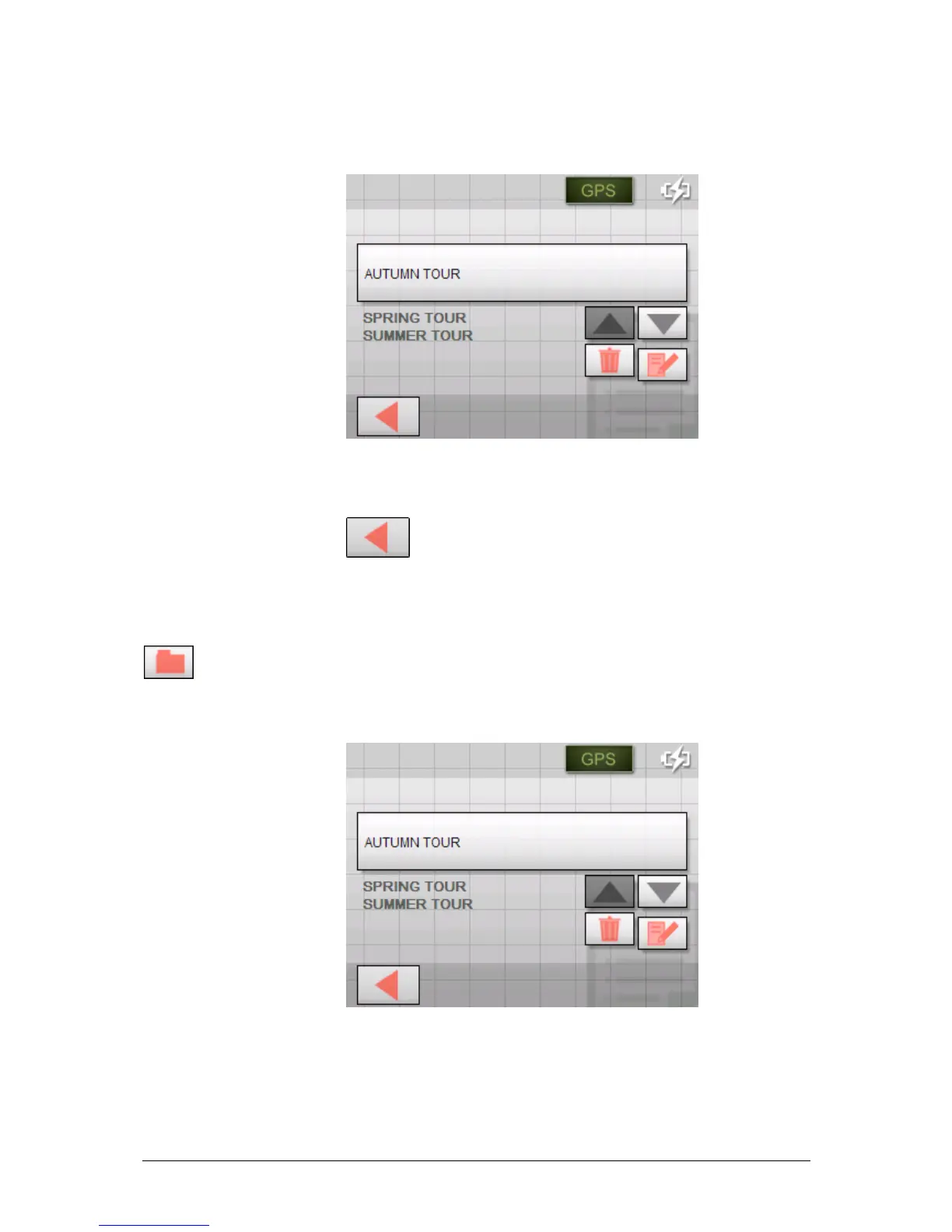
The S
ELECT ITINERARY screen opens.
2. Use the Up and Down buttons to mark the desired route.
The marked route appears on the select button.



 To Next Page