PRS-505.GB.3-277-508-11(1)
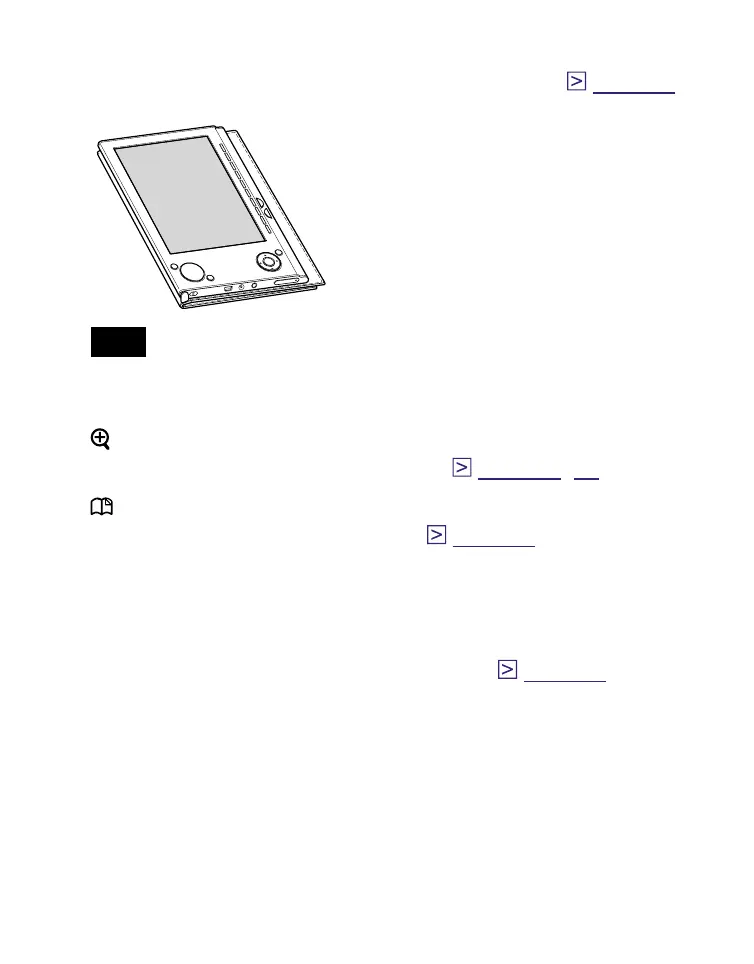
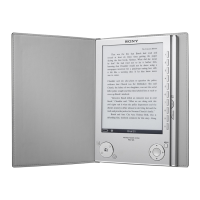
Holes for soft cover attachment
The soft cover is attached when purchased. (
page 12
)
Folds open in use
Note
• Do not leave the Reader in a high temperature conditions, as it
may damage the soft cover.
(size) button
To zoom in/out a page or picture. (
page 41
,
60
)
(MARK) button
To create/remove a bookmark. (
page 50
)
Hole for hand strap
To attach the hand strap.
USB connector
To connect the USB cable (supplied). (
page 28
)
DC IN jack
To connect the AC power adapter (optional).
Hint
• The Reader can be charged by connecting to a computer
using the supplied USB cable.
Continued
10




 To Next Page