PRS-505.GB.3-277-508-11(1)
Button Operation
(size)
button
To zoom in/out a page.
Every time you press (size), the page is
magnified in steps and returns to the original
scale after the maximum magnification.
• The scale switches in 3 steps ( , , – indicated
at the bottom of the screen).
• By pressing and holding
(size) for a few
seconds, screen orientation can be switched
(vertically/horizontally). (
page 44
)
(MARK)
button
To create/remove a bookmark on the current
page (press) (
page 50
);
Jump to the All Bookmark screen (press and
hold).
(
page 52
)
MENU button
To close the page and return to the Option menu.
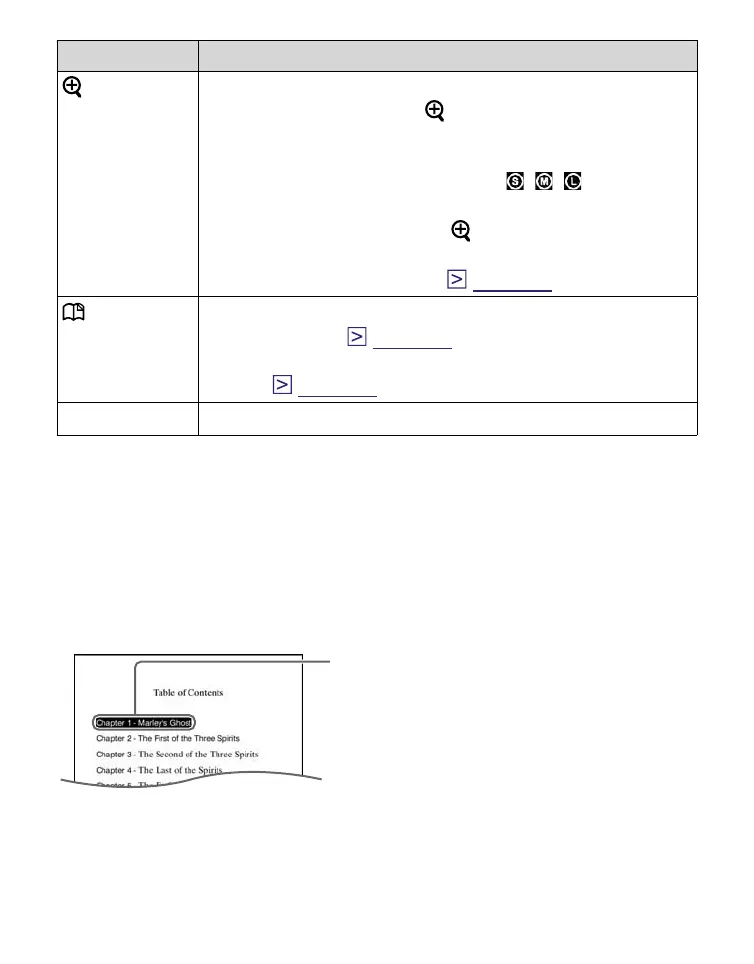
To use the link tool of eBooks files on the
Reader
When an eBook file is displayed, you can use the embedded
link tool.
The link appears highlighted on the screen. Press Enter to
open the linked content or jump to the linked page.
Press / to select the desired link,
and press / to return to the
previously displayed page.
Link
Continued
41















 To Next Page