PRS-505.GB.3-277-508-11(1)
Operations on the Book page screen
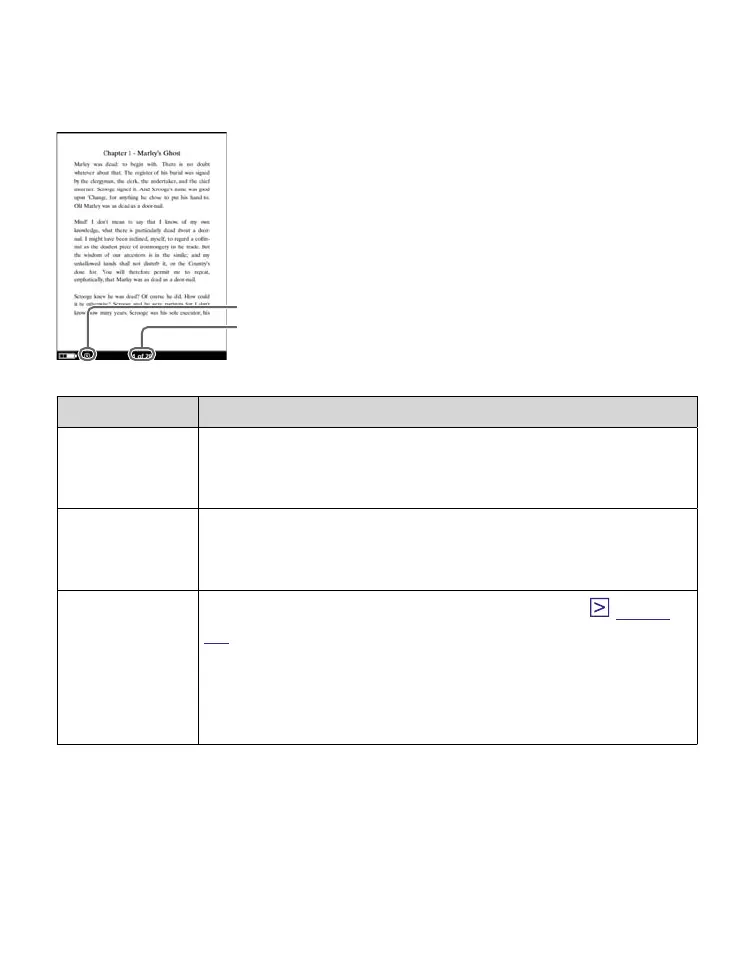
On the Book page screen, the following operations can be
performed.
Size indicator
Current page number/
total page number
Button Operation
> button To proceed to the next page (press);
jump 10 pages ahead of the current page
(press and hold).
< button To return to the previous page (press);
jump 10 pages back from the current page
(press and hold).
Number
buttons
To jump to the selected page (press) (
page
43
);
Jump to the final page (press and hold 0); jump
to the first page (press and hold 1); jump to any
other page corresponding to the button
number(s) (press and hold 2 -9).
Continued
40















 To Next Page