3-3 (E)
PVM-A250
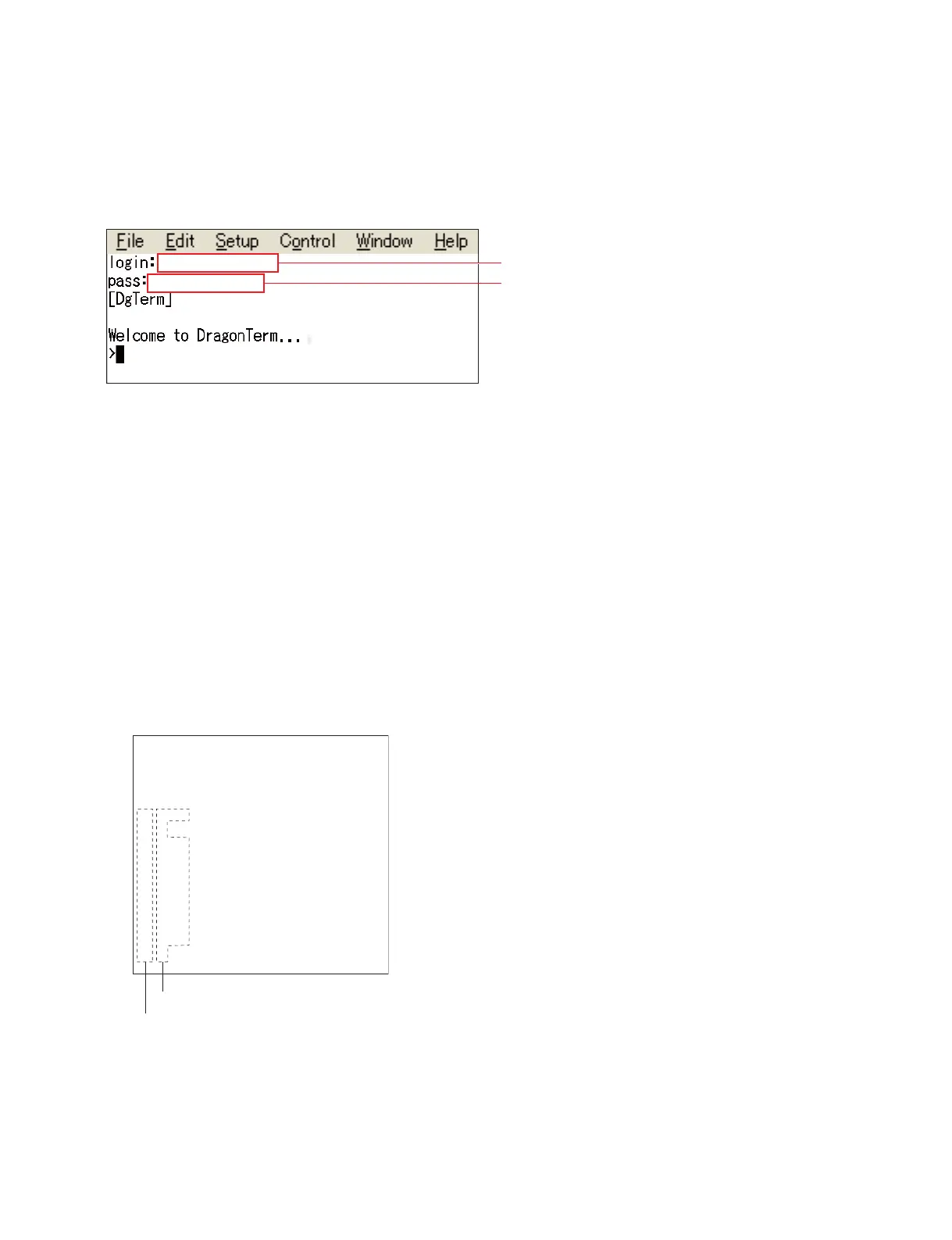
3. Enter the login name and password.
“Welcome to Dragon Term…” is displayed. (Connection is completed.)
t
. When you enter the password, no characters are displayed on the screen.
. For the login name and password, contact your local Sony Sales Office/Service Center.
3-1-4. Reading the Register
1. Move to the directory of a device, you want to access, in terminal software.
(Example) When moving to device lm75_qbc;
Enter “d lm75_qbc” and press the [Enter] key.
“>lm75_qbc>” is displayed.
<Display example>
Welcome to DragonTerm…
>cd lm75_qbc
>lm75qbc>
2. Enter <read command/><read address><read count> and press the [Enter] key.
(Example) When reading 10 addresses from address 0
Enter “ra 0 10” and press the [Enter] key.
<Display example>
Enter the login name.
Enter the password.
Welcom to DragonTerm..
>cd lm75_qbc
>lm75_qbc>
>lm75_qbc>ra 0 10
0 2680 // read OK
1 0 // read OK
2 4B00 // read OK
3 5000 // read OK
4 FFFF // read OK
5 FFFF // read OK
6 FFFF // read OK
7 A1A1 // read OK
8 2680 // read OK
0 0 // read OK
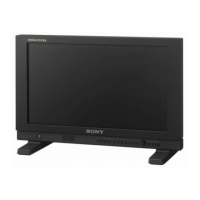
<Read register values>
<Read addresses>


 To Next Page