25(E)
Setting the Operating Conditions
of the RCP-750/751
By using the RCP Configuration menu or LCD setting
display, you can set the built-in clock of the RCP-750/
751 and adjust various conditions of the RCP-750/751,
such as the sound volume of the warning buzzer and
the brightness of the indicators and LCD.
To display the RCP Configuration menu/
LCD setting display
Proceed as follows:
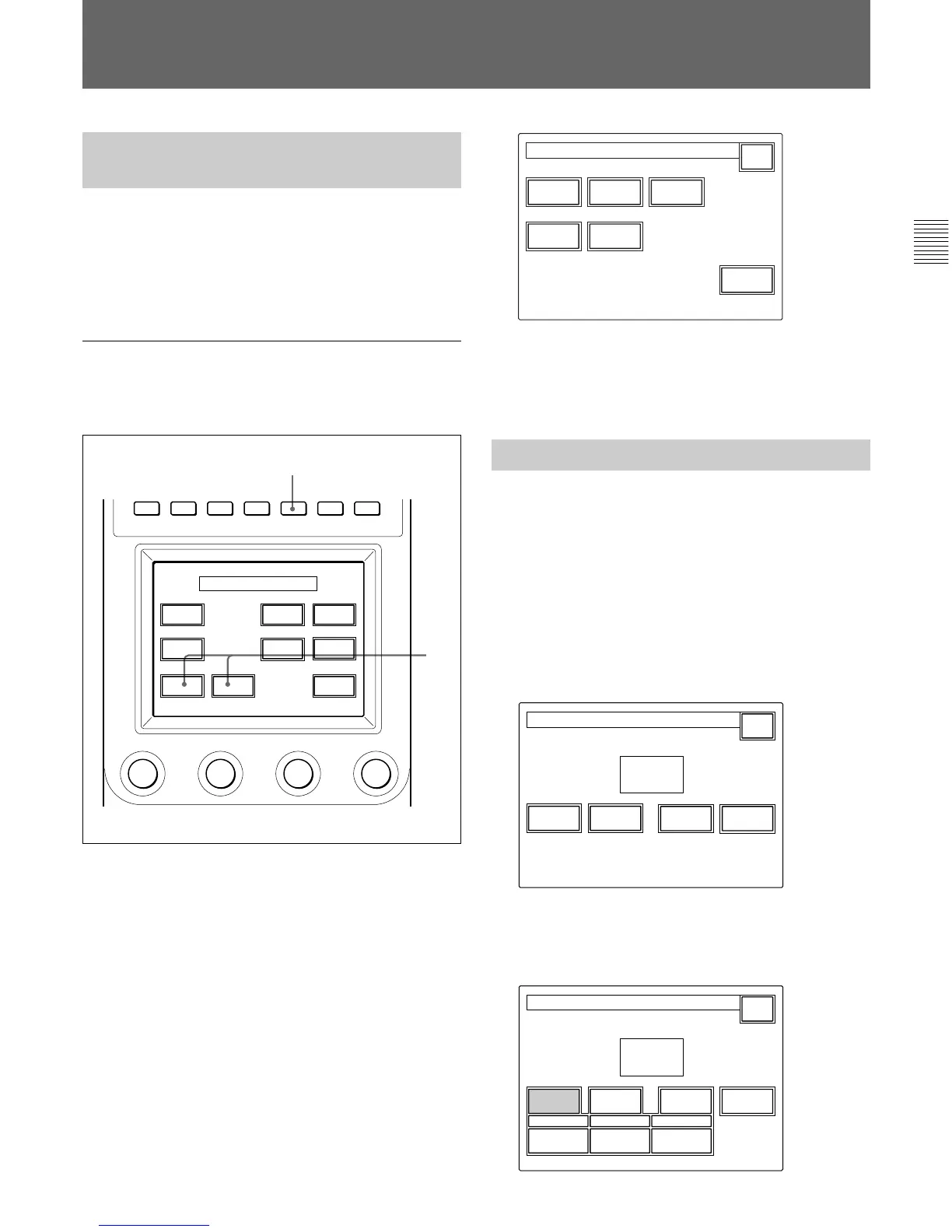
1 Press to light the MAINTENANCE button of the
menu operation block.
The Maintenance Menu appears.
2 To display RCP Configuration menu, press
[RCP Config].
The RCP Configuration menu appears.
RCP
Adjusting
Secu-
rity
Pre-
view
CAMERA
RE
Setting
Date
Time
RCP Config Menu
Exit
To obtain the LCD setting display, press [LCD].
The LCD setting display
(page 27(E)) appears.
Setting the Built-in Clock
The RCP-750/751 has a built-in clock to record the
date and time when reference and scene files are saved
to Memory Sticks.
To set the clock, proceed as follows.
1 Press [Date/Time] on the RCP Configuration
menu.
The current setting is displayed on the Date/Time
Set menu.
Set Cancel
Exit
Date Time
2001/11/17
(Sat)
22
:
12
:
31
Date Time Set Menu
2 To set the date:
1)Press and light
[Date].
Year
2001
Month
8
Day
Date Time
Exit
Set Cancel
8
2001/11/17
(Sat)
22
:
12
:
31
Date Time Setting
Initial Settings
PAINT 1 PAINT 2 PAINT 3 SCENE MAINTE
NANCE
FUNCTION
RCP
Config
LCD
Memory
Stick
Super
Motion
Adjusting
SD
Adjusting
Camera
Config
CCU
Config
File
Maintenance Menu
1
2











 To Next Page