14(E)
Menu Configuration and Basic Menu Operations
Basic Configuration of Menu Display
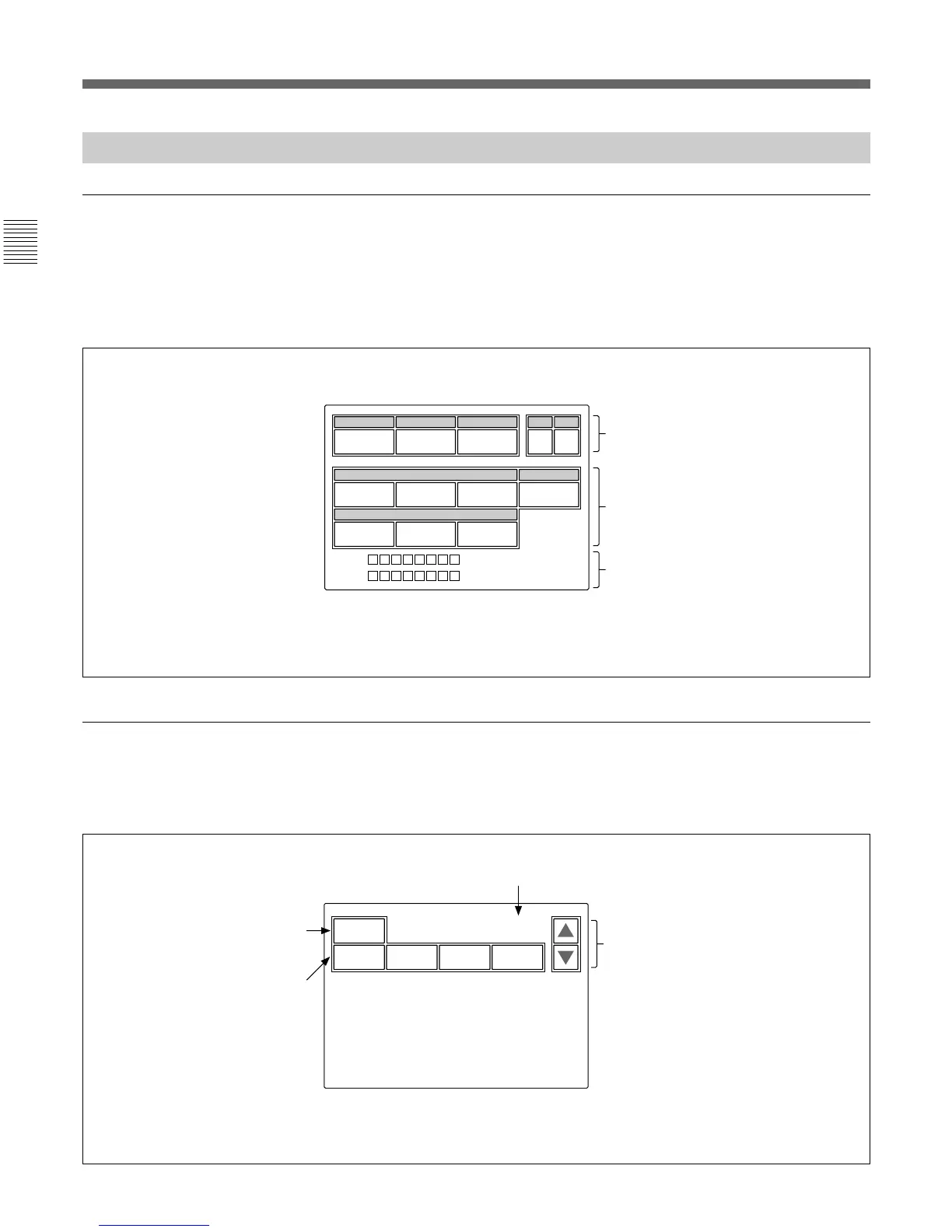
Status display
When you do not select any of the MODE buttons
(PAINT 1, PAINT 2, PAINT 3, SCENE,
MAINTENANCE, FUNCTION) of the menu
operation block (all unlit), the LCD shows the
following status display:
Initial display (Paint menu)
When you press and light the PAINT 1 (or PAINT 2,
PAINT 3) button of the menu operation block, the
initial display of the Paint menu is obtained.
Press either to flip the pages of the
menu.
You may adjust these items using the
Function menu.
You may adjust these items using the
WHITE knobs, BLACK/FLARE knobs, or
DETAIL knob.
The “Detail” and “Black” columns can be
changed to “SD Detail” or “Flare” using
the Maintenance menu.
To clear the adjusted values
The names of the items are
displayed. Press the name
of the item to be adjusted.
The color of the pressed
name area will change, and
the lower half of the panel
will become the adjustment
display (see the next page).
Current page number / total number of pages
Shutter
60
M. Gain
0dB
Gamma
0.45
CC
A
ND
1
0
White
00
Detail
0
0
Black
00
CAM
CCU
Digital EXT : ON
Clear
White Black Flare Gamma
1 / 7
On the status display, each item is
only displayed. The setting is made
with the Function menu or with the
corresponding knob on the
operation panel.
The optical fiber levels at the
camera and CCU and the
status of the digital extender
are displayed.











 To Next Page