Overview
47
Precautions for Ethernet System
Connections
When connecting the unit to the system with an Ethernet
cable, make sure to ground the unit using one of the
following methods.
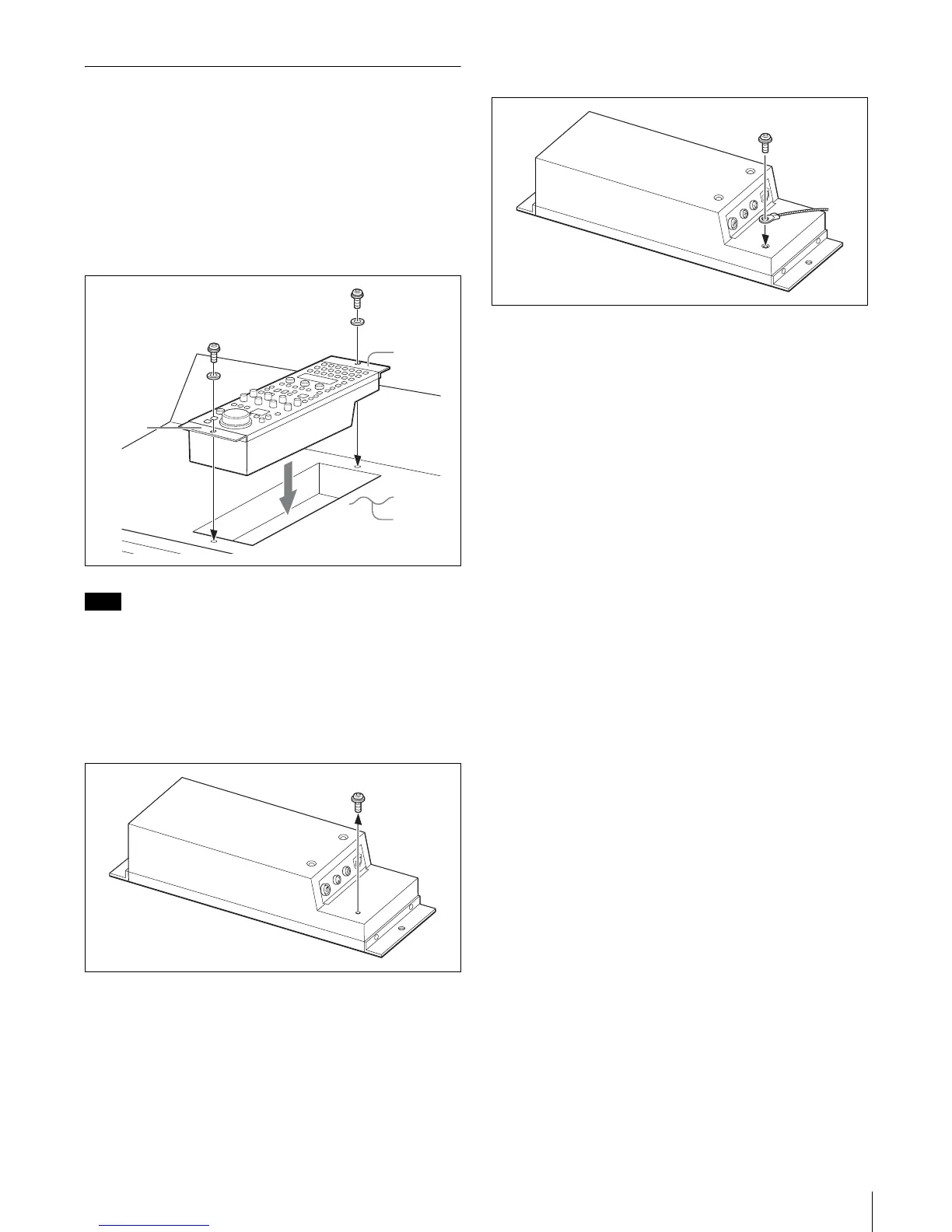
• Secure the flanges on the unit with screws.
• Connect a ground wire to the bottom of the unit.
To secure the flanges on the unit with screws
Note
The screws are not supplied with this unit. Use screws that
are suited to the installation location.
To connect a ground wire to the bottom of the
unit
1
Unscrew the screw on the rear of the unit.
2
Attach the ground wire with the removed screw.
Flange
Flange
Console,
etc.











 To Next Page