Menu Configuration and Basic Operation
60
Menu Items
For details on the respective functions, see the operation manual of the connected camera or CCU.
Paint menu
Primary
menu
Secondary
menu
Operation/
adjustment item
Settings Function Factory default
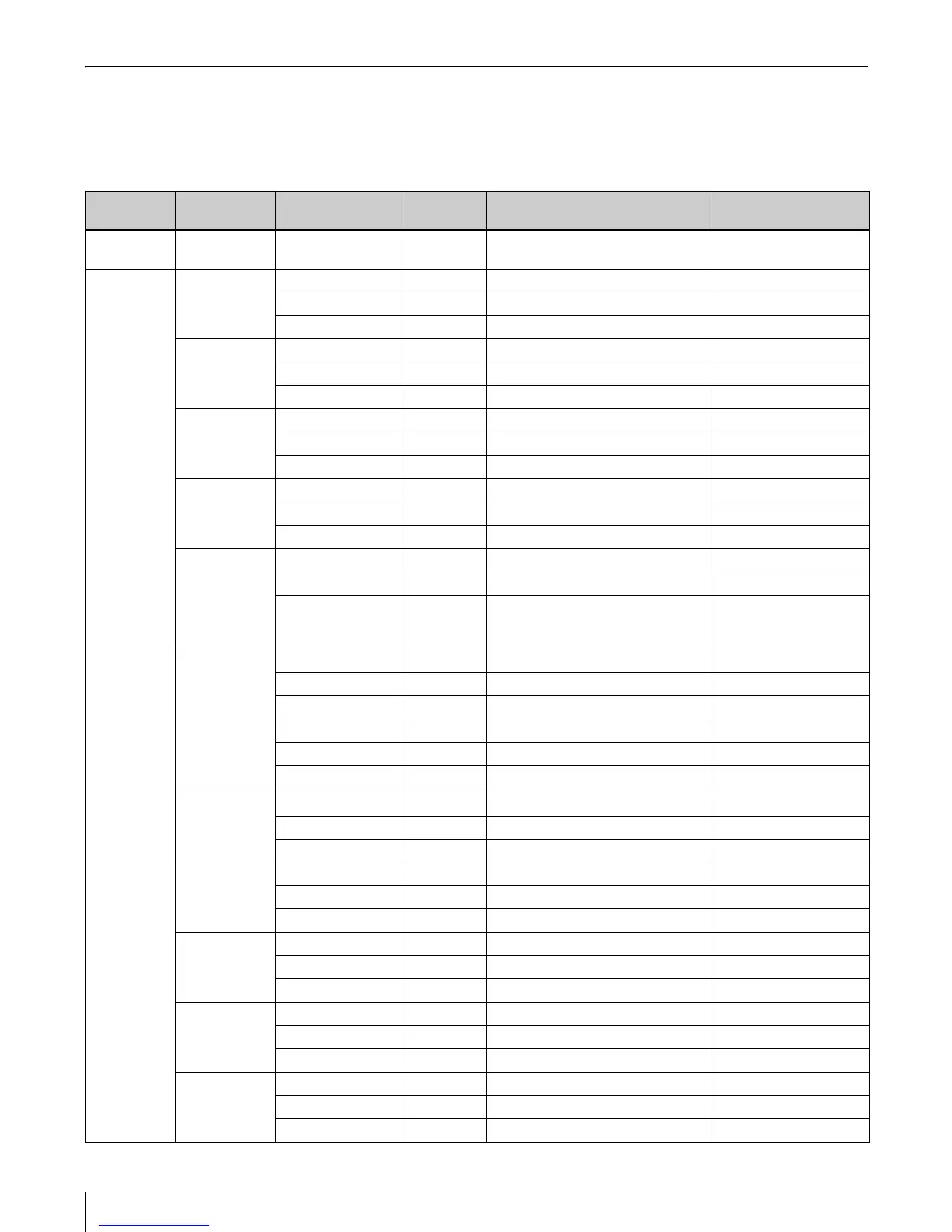
TOP MENU — — — Lists items on the paint menu KNEE/GAMMA/FLARE/
SHUTTER/DETAIL/SAT
SELECT
MENU
KNEE Point — Adjusts master knee point —
Slope — Adjusts master knee slope —
Sat — Adjusts knee saturation —
GAMMA R — Adjusts R channel gamma —
Master — Adjusts master gamma —
B — Adjusts B channel gamma —
FLARE R — Adjusts R channel flare —
G — Adjusts G channel flare —
B — Adjusts B channel flare —
BLACK R — Adjusts R channel black —
G — Adjusts G channel black —
B — Adjusts B channel black —
SHUTTER Mode — Selects shutter mode —
——— —
Speed
1)
— Selects shutter speed/ECS
frequency/number of slow shutter
frames
—
DETAIL Level — Adjusts detail level —
Limit — Adjusts detail limit —
Crisp — Adjusts crispening —
SAT Saturation — Adjusts saturation level —
——— —
——— —
STP GAM
Step
1)
— Selects step gamma —
——— —
——— —
WHITE R — Adjusts R channel white —
G — Adjusts G channel white —
B — Adjusts B channel white —
C TEMP — — — —
Bal — Color temperature compensation —
C.Temp — Adjusts color temperature —
PHASE H Coarse — Adjusts H Phase —
H Fine — Adjusts H Phase fine —
SC — Adjusts SC Phase —
SKIN DTL Level — Adjusts skin detail level —
——— —
——— —





 To Next Page