15(E)
Adjustment display (Paint menu)
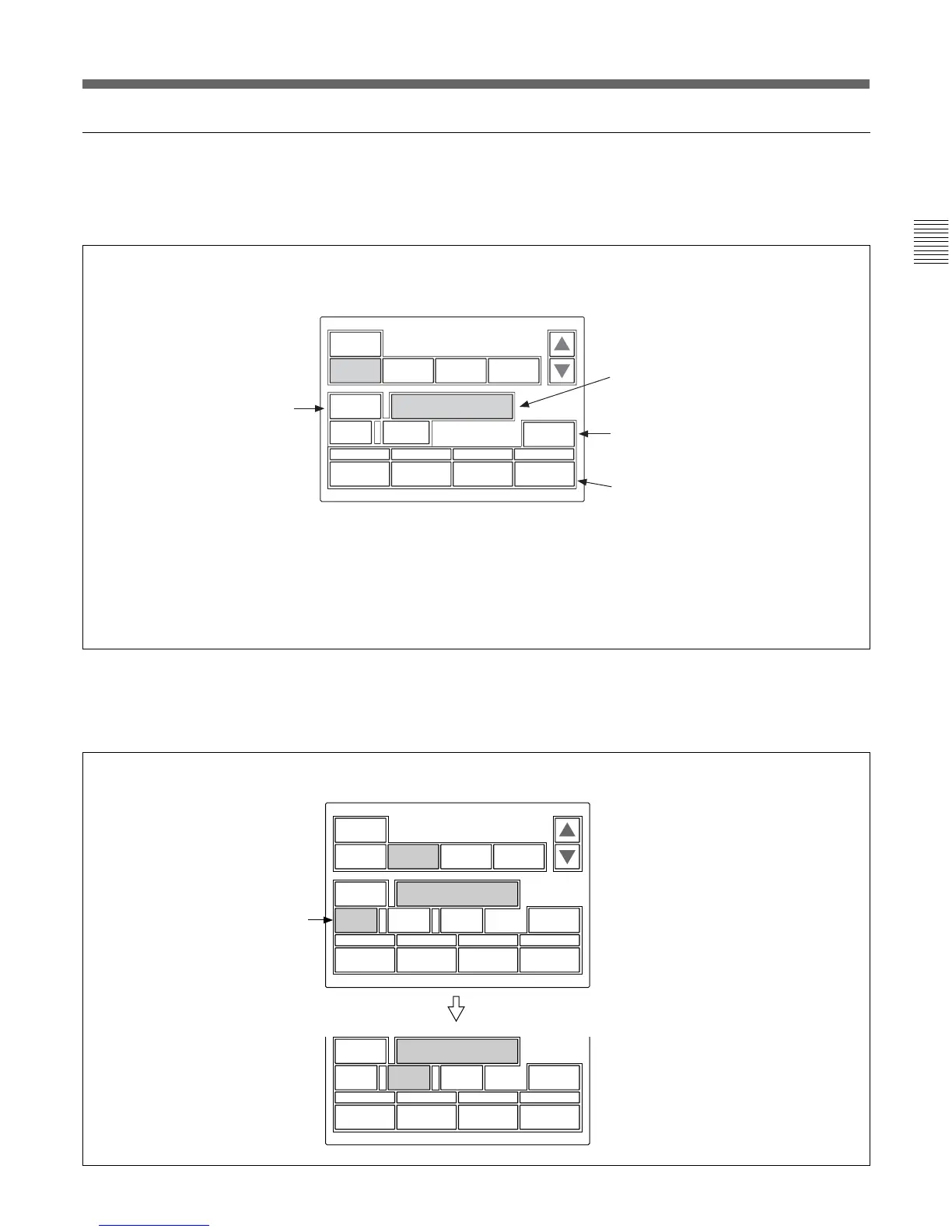
When you select an item on the initial display of the
Paint menu, the lower half of the panel becomes the
adjustment display for the selected item.
Submenu
If the selected item has many parameters, a submenu is
displayed.
When you press this, the upper
half of the panel becomes the
monitor output setting display
(see the next page).
The name of the item selected on the
initial display is displayed.
If you press this area after pressing
[Clear], all the adjustment values for the
selected item are initialized to standard.
The adjustment parameters for the
selected item and their adjustment
values are displayed.
You may adjust these items using the
corresponding control knobs.
If you press a value area after
pressing [Clear], that adjustment value
is initialized to standard.
Clear
WF/PIX
Select
Skin Detail
Detail
1
Skin
Detail
Sat
Black
Gamma
123
2 / 7
Level
0
Phase
0
Width
0
Sat
0
Skin
DTL 1
WF/PIX
Select
Skin Detail
123
Level
0
Phase
0
Width
0
Sat
0
Skin
DTL 2
When there are any ON/OFF functions
related to the adjustment, the names of
the functions are displayed on this line.
Submenu
Press to switch the parameters.
Example: when you select “White” from the initial display
Example: when you select “Skin Detail” from the initial display
Clear
WF/PIX
Select
Color
Temp
White RGB
White
RGB
Black Flare Gamma
1 / 7
R
0
G
0
B Master
ATW
0 12.0dB











 To Next Page