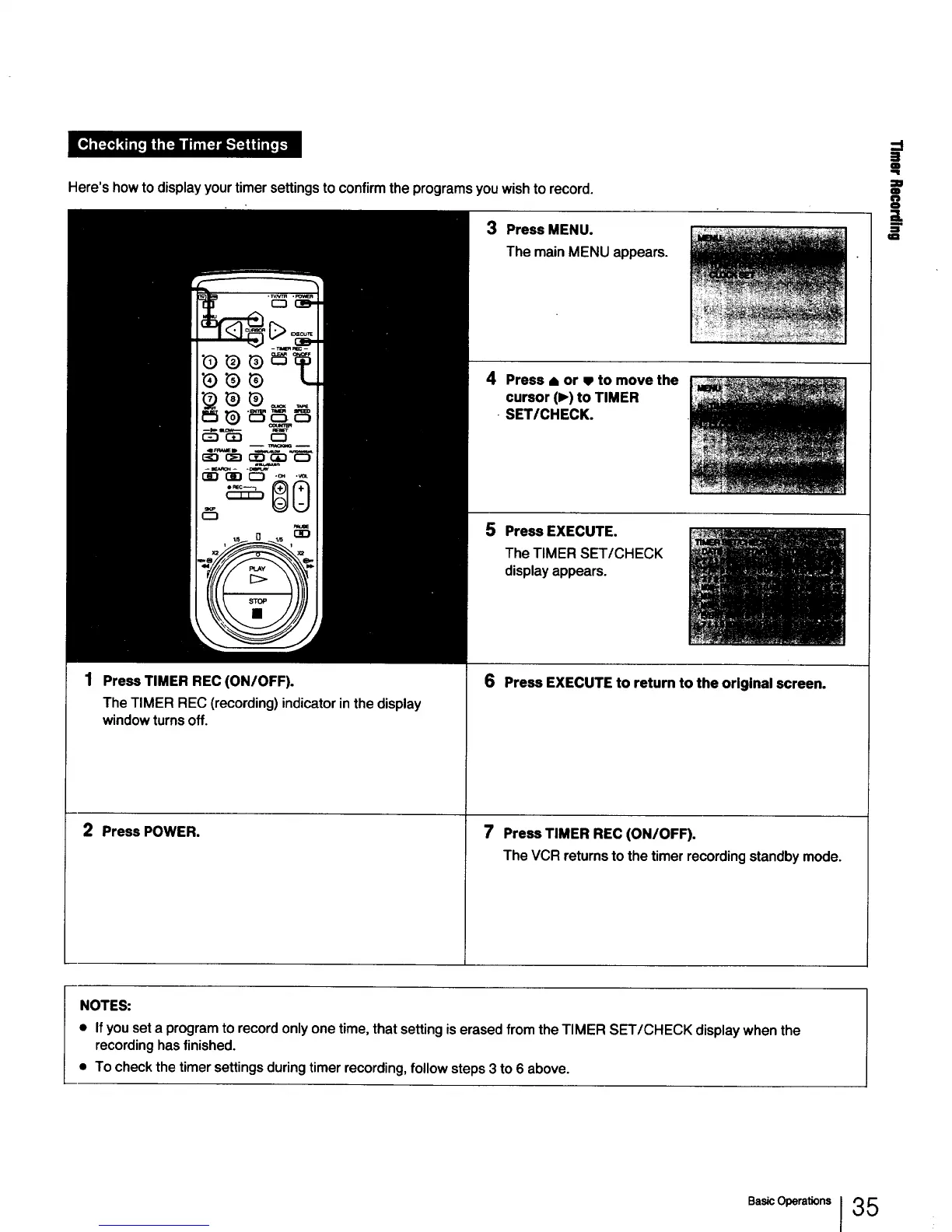
Here's how to display your timer settings to confirm the programs you wish to record.
Press TIMER REC (ON/OFF).
The TIMER REC (recording) indicator in the display
window turns off.
2 Press POWER.
3 Press MENU.
The mainMENU appears.
4 Press • or m to move the
cursor (1_)to TIMER
• SET/CHECK.
5 Press EXECUTE.
The TIMER SET/CHECK
display appears.
6 Press EXECUTE to return to the original screen.
7 PressTIMER REC (ON/OFF).
The VCR returnsto thetimerrecordingstandbymode.
==
Q
O
=g
m
NOTES:
• Ifyou set a program to record only one time, that setting is erased from the TIMER SET/CHECK display when the
recording has finished.
• To check the timer settings during timer recording, follow steps 3 to 6 above.
I 35



 To Next Page