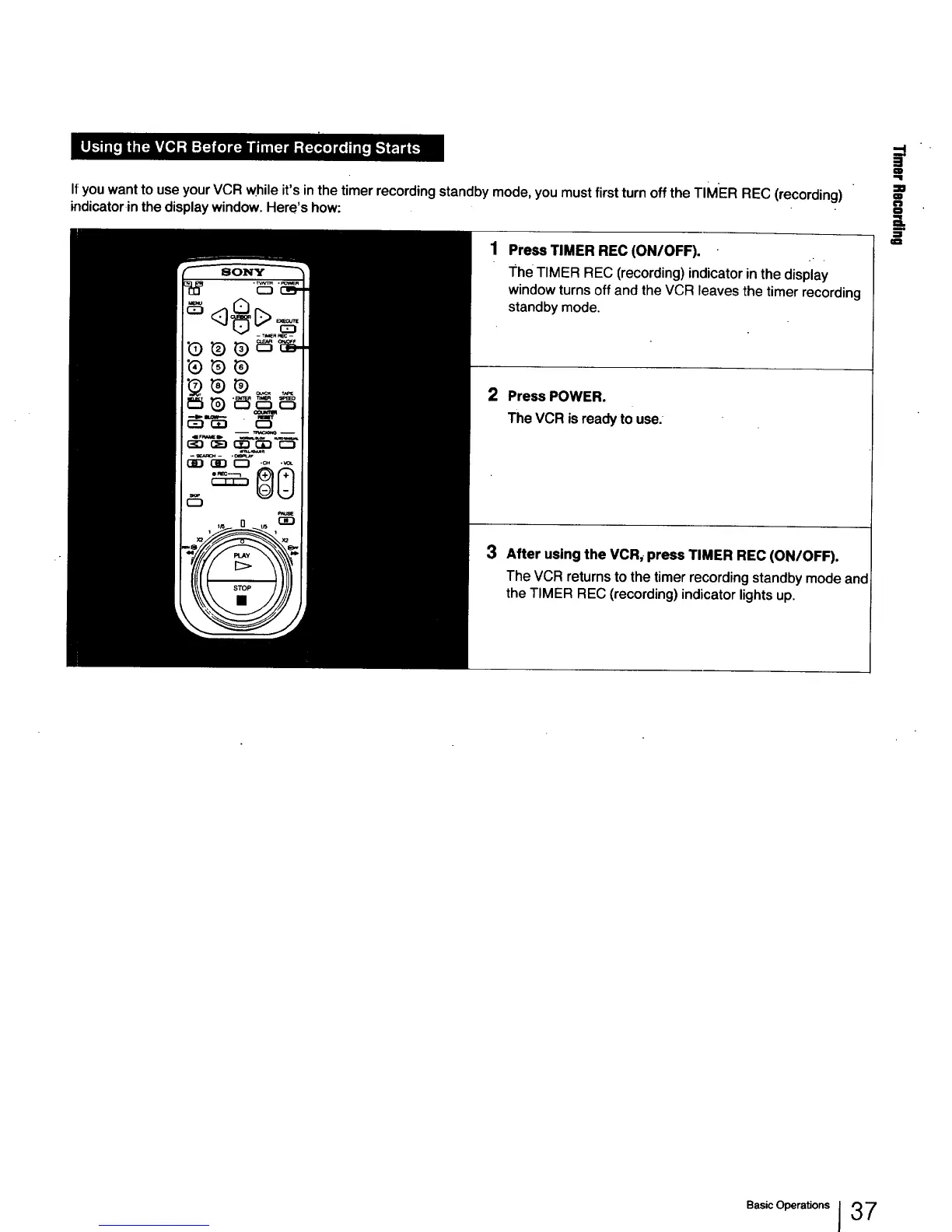
I1:you want to use your VCR while it's in the timer recording standby mode, you must first turn off the TIMER REC (recording)
indicatorin the display window. Here's how:
Press TIMER REC (ON/OFF).
The TIMER REC (recording) indicator in the display
window turns off and the VCR leaves the timer recording
standby mode.
2 PressPOWER.
TheVCR is readyto use.
3
After using the VCR, press TIMER REC (ON/OFF).
The VCR returns to the timer recording standby mode and
the TIMER REC (recording) indicator lights up.
J
=o
g
n
o
Basic Operations I 37



 To Next Page