
 To Next Page

T
Taylor JacobsonSep 2, 2025
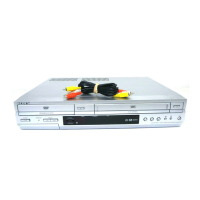
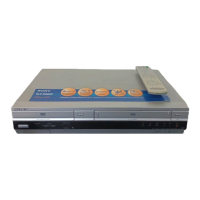
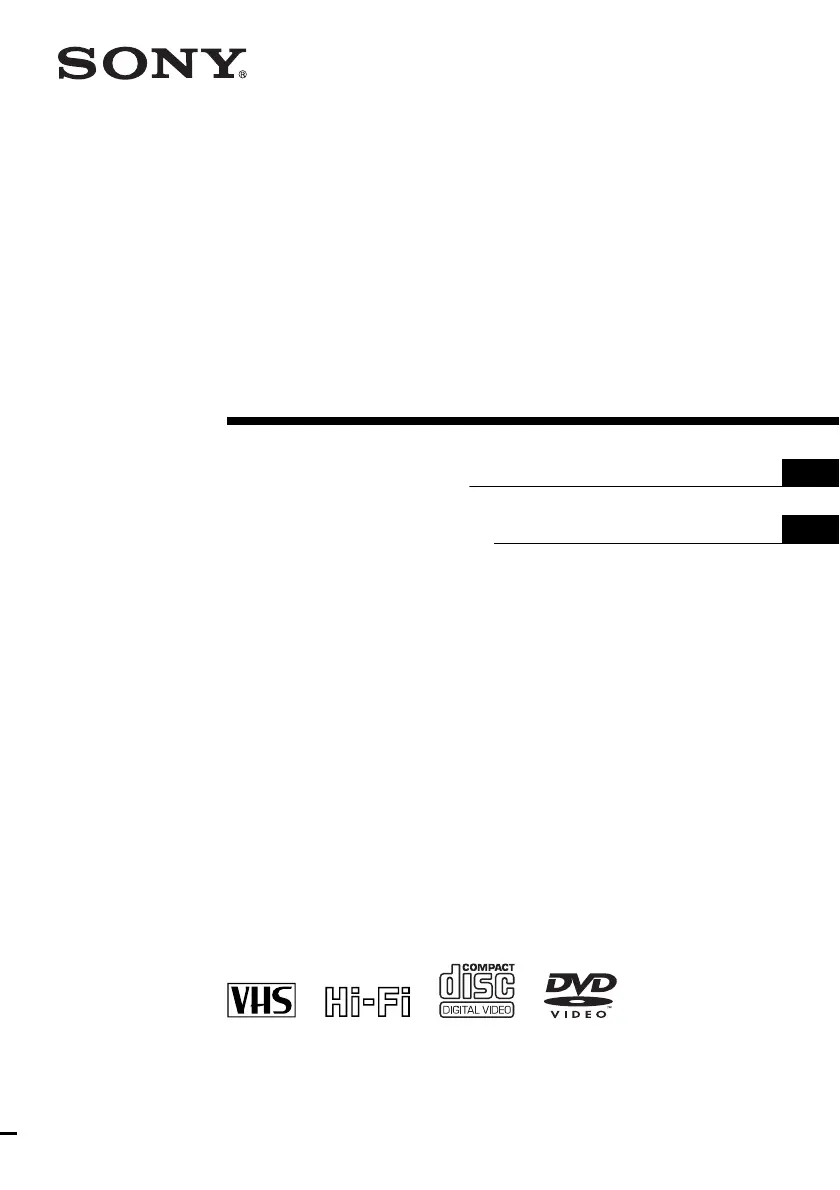
How to control other TVs with my Sony SLV-D281P DVD VCR Combo?
- RRodney HallSep 2, 2025
To control other TVs with your Sony DVD VCR Combo, set your TV’s code number.

How to control other TVs with my Sony SLV-D281P DVD VCR Combo?
To control other TVs with your Sony DVD VCR Combo, set your TV’s code number.
Why doesn't the picture from a connected cable box or satellite receiver appear on the TV screen with my Sony SLV-D281P DVD VCR Combo?
If the picture from a connected cable box or satellite receiver does not appear on the TV screen with your Sony DVD VCR Combo, make sure the TV or monitor is set to video input. Select the correct line input (L1 or L2) which the cable box or satellite receiver is connected with the INPUT SELECT button.
What to do if my Sony DVD VCR Combo player does not operate properly?
If your Sony DVD VCR Combo player does not operate properly, when static electricity, etc., causes the player to operate abnormally, unplug the player.
Why doesn't the timer operate on my Sony DVD VCR Combo?
If the timer on your Sony DVD VCR Combo isn't working, consider the following: * Check that the clock is set. * Make sure a tape has been inserted. * Check that the safety tab has not been removed. * Make sure the tape is not at its end. * Make sure a program has been set for timer recording. * Make sure your timer settings are past the current time. * Check that the cable box or satellite receiver is turned on. It may also help to reset the clock and timer.
How to fix a blurry picture on my Sony SLV-D281P?
If the picture on your Sony DVD VCR Combo is not clear, try the following: * Adjust the tracking with the TRACKING +/– buttons. * Clean the video heads using a Sony video head cleaning cassette. In some cases, the video heads may need to be replaced.
Why is the tape ejected when I press z REC on my Sony DVD VCR Combo?
If the tape is ejected when you press z REC on your Sony DVD VCR Combo, check that the safety tab has not been removed.
Covers safety, power sources, placement, operation, volume, and cleaning advice.
Instructions for cleaning discs, disc/lens cleaners, and video heads.
Covers installation, plugs, cords, water, ventilation, heat, attachments, lightning.
Details when servicing is required due to damage or malfunction.
Instructions for unpacking items and setting up the remote commander.
Details on using the remote to operate the DVD-VCR and control TVs.
Explains basic connections to a TV and recording from equipment.
Guides on playing DVDs, CDs, and VHS tapes.
Instructions for recording from cable boxes, satellite receivers, or other equipment.
Configuration of audio output, screen aspect ratio, and language/subtitle settings.
Setting parental control levels and navigating DVD menus.
Utilizing zoom, angles, play modes, sound settings, MP3/JPEG, VIDEO CD functions.
Setting timer recordings and searching tapes using index signals.
Editing with another VCR, general troubleshooting, and specific VCR issues.
Details system, timer, general, inputs/outputs, and accessories.
References for front panel, rear panel, remote controls, and language codes.
 General
| Type | DVD VCR Combo |
|---|---|
| Brand | Sony |
| Model | SLV-D281P |
| Video Format | NTSC |
| DVD Playback | Yes |
| VCR Playback | Yes |
| Recording Format | VHS |
| Remote Control | Yes |
| DVD Player Type | Standard |
| Number of VCR Heads | 4 |
| Progressive Scan | No |
| Tuner | Yes |
| Playable Media | DVD, CD, VHS |
| DVD Formats | DVD-R, DVD-RW, DVD+R, DVD+RW |