57
Recording TV programmes using the timer
Basic Operations
Recording TV programmes using the timer
You can preset a total of eight programmes,
including settings made with other timer
methods.
Before you start
…
• Check that the VCR clock is set to the
correct time and date.
• Insert a tape with its safety tab in place.
Make sure the tape is longer than the total
recording time.
• To record from a decoder, turn it on.
• Turn on your TV and set it to the video
channel.
• Set TIMER OPTIONS to STANDARD or
VARIABLE in the OPTIONS-2 menu (see
page 79).*
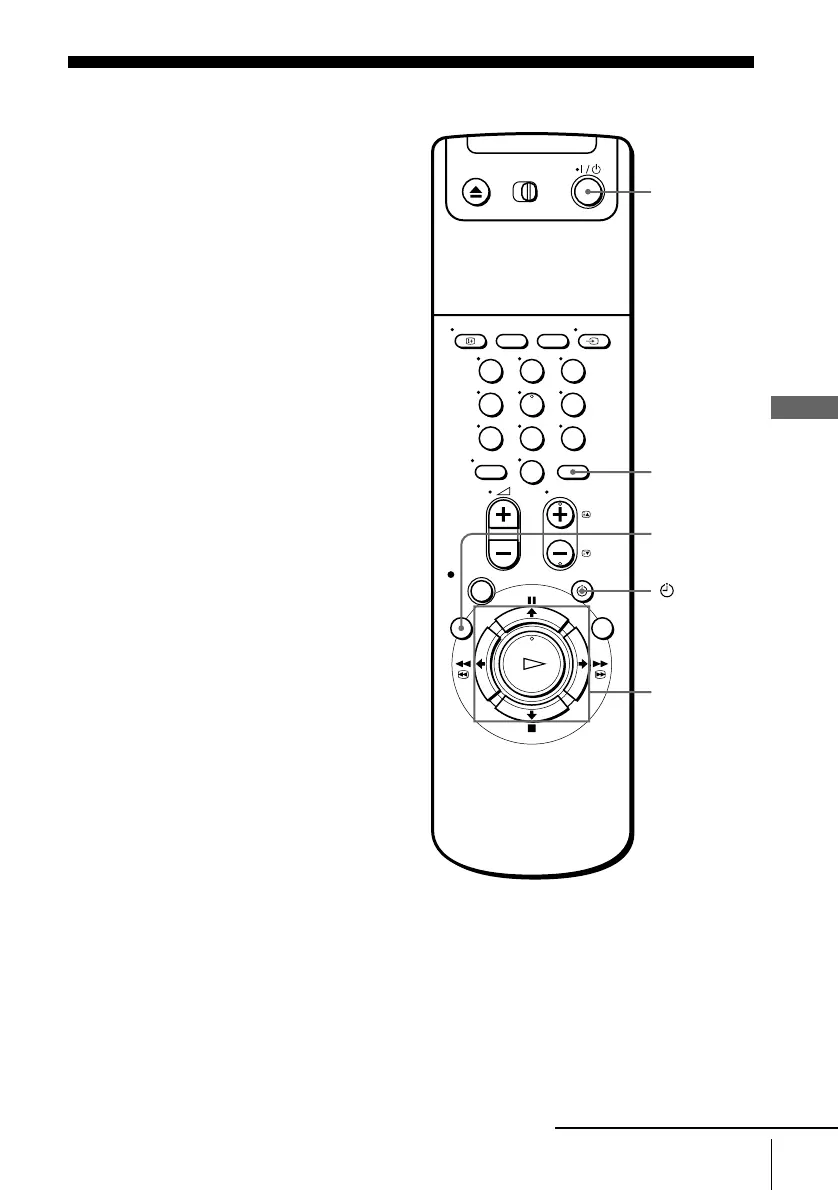
123
456
789
0
?/1
M/m/</,
OK
x STOP
INPUT
SELECT
MENU
TIMER
continued


 To Next Page